
GZ Systems
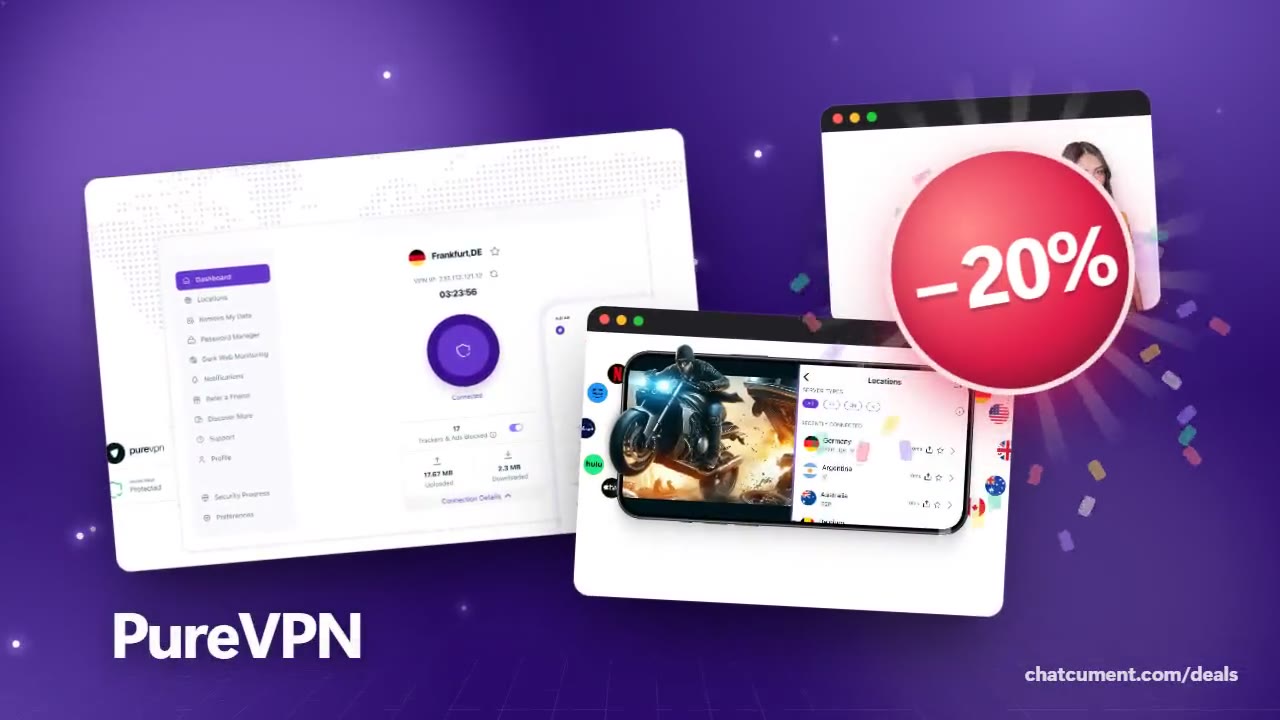
PureVPN promo code, explained
Check what the code covers and the total before you pay.
- 20% off every plan with the code
- 31-day money-back guarantee
- Up to 10 devices at once
Entered in the coupon field at checkout. Whether it stacks with other discounts shows in the order total.
Get the discountCodes that work now
| Deal | Code | Conditions |
|---|---|---|
| 20%20% off every plan with a code | admitad20 | Entered in the coupon field at checkout. Whether it stacks with other discounts shows in the order total. |
| 31 daysLong-plan savings plus a 31-day money-back guarantee | — | Discounts depend on the plan length. After the first term, the renewal rate applies. |
PureVPN checkout has its own box for a coupon code. Choose a plan and term, enter the promo code, and the order total is recalculated.
The code is described as 20% off every plan. If several people share the account, check whether add-ons such as extra logins are inside the total too.
Promo codes are usually meant for the first payment on a new subscription. Renewals are billed separately, so look up the renewal rate before the term runs out.
If the service turns out not to fit after you pay with the code, the 31-day money-back guarantee still stands. With that cushion, start by testing connection speed and how the app feels.
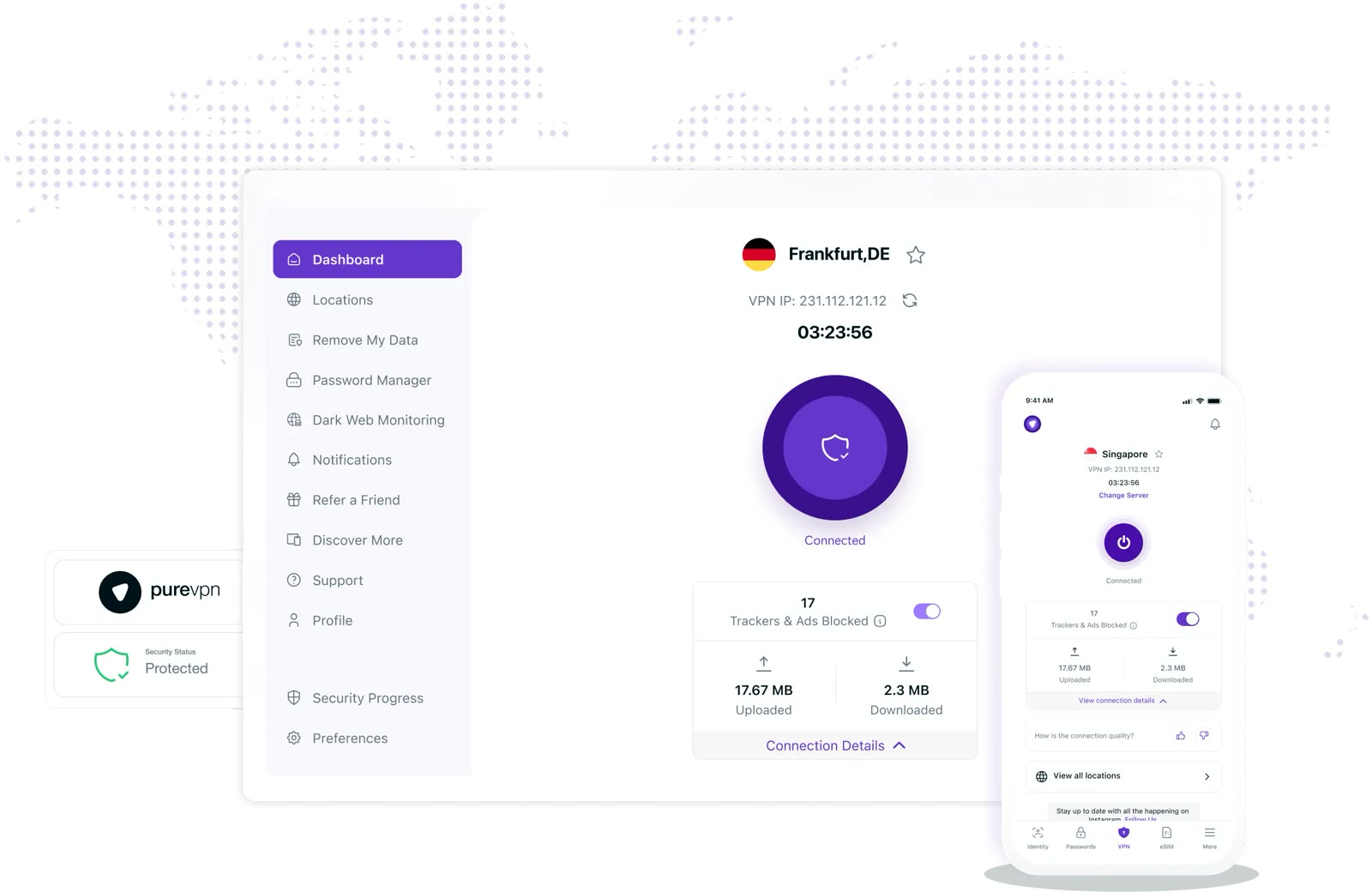 See PureVPN in detailOne VPN account for 10 devices10 devices on one account · 80+ server locations · One tap to connect, trackers blocked · Dark web monitoring
FAQ
Where do I enter the promo code?
In the "Got a coupon code?" area of the checkout page. The total refreshes once the code goes in.
What if the code shows as invalid?
Recheck capitals and stray spaces. If it still fails, the offer window may have closed, and you can continue with the discount shown on the pricing page.
Does the same discount apply at renewal?
Per the checkout notice, a subscription auto-renews at the current renewal rate when the term ends. Auto-renew can be switched off in the member area.
You might also like
 2ndNumber20% off yearly plans with code GIVEME20A US or UK number, no SIM needed
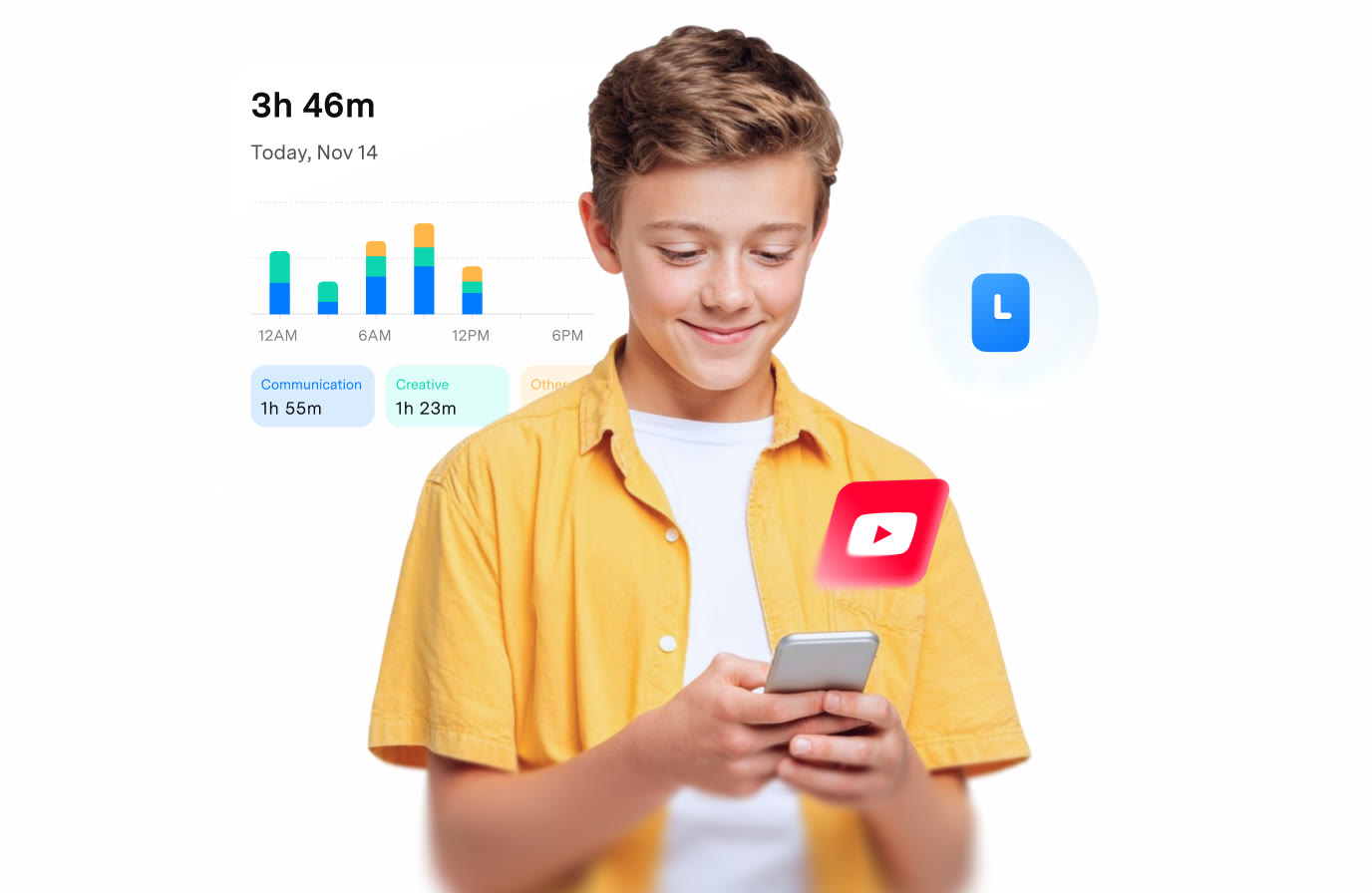 FamiSafeAn extra code you add at checkoutParental controls kids know about
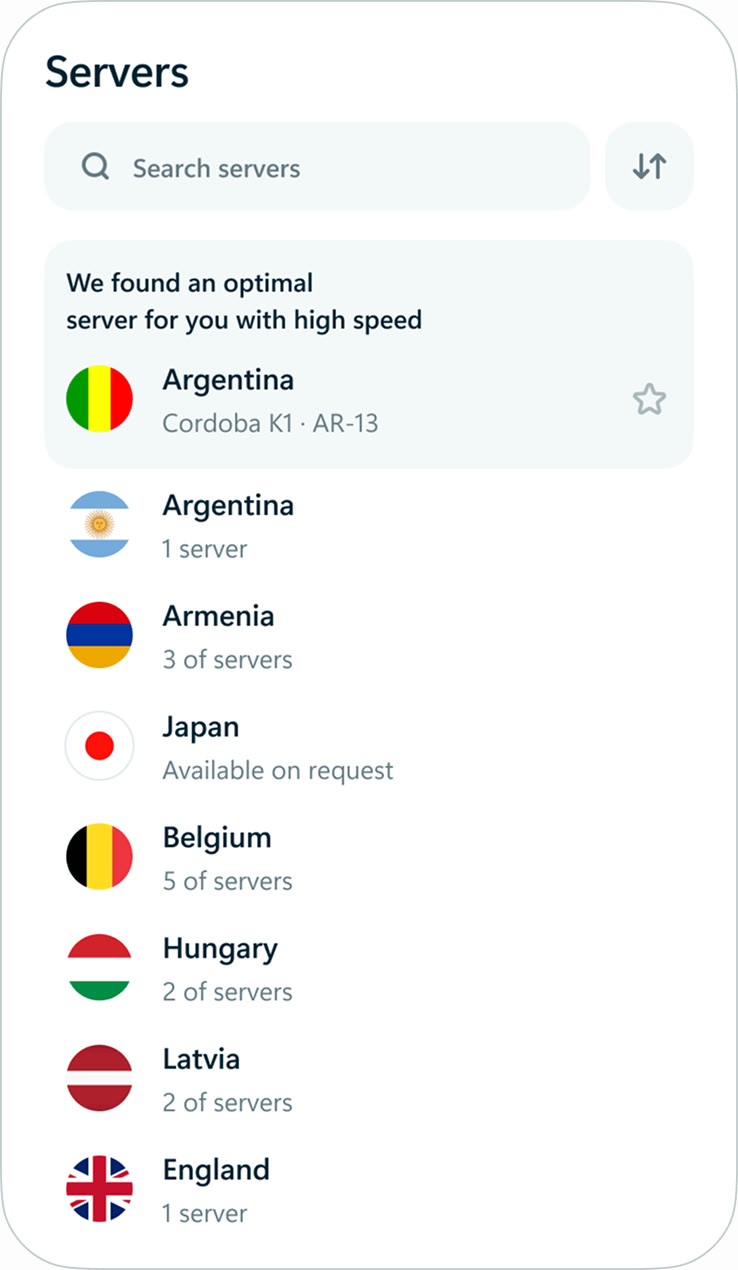 hidemy.name VPNTry hidemy.name VPN free for 24 hoursVPN for 5 devices, 24h free test
 KeeperTry Keeper's personal and family plans free for 30 daysPassword manager, 30 days free