
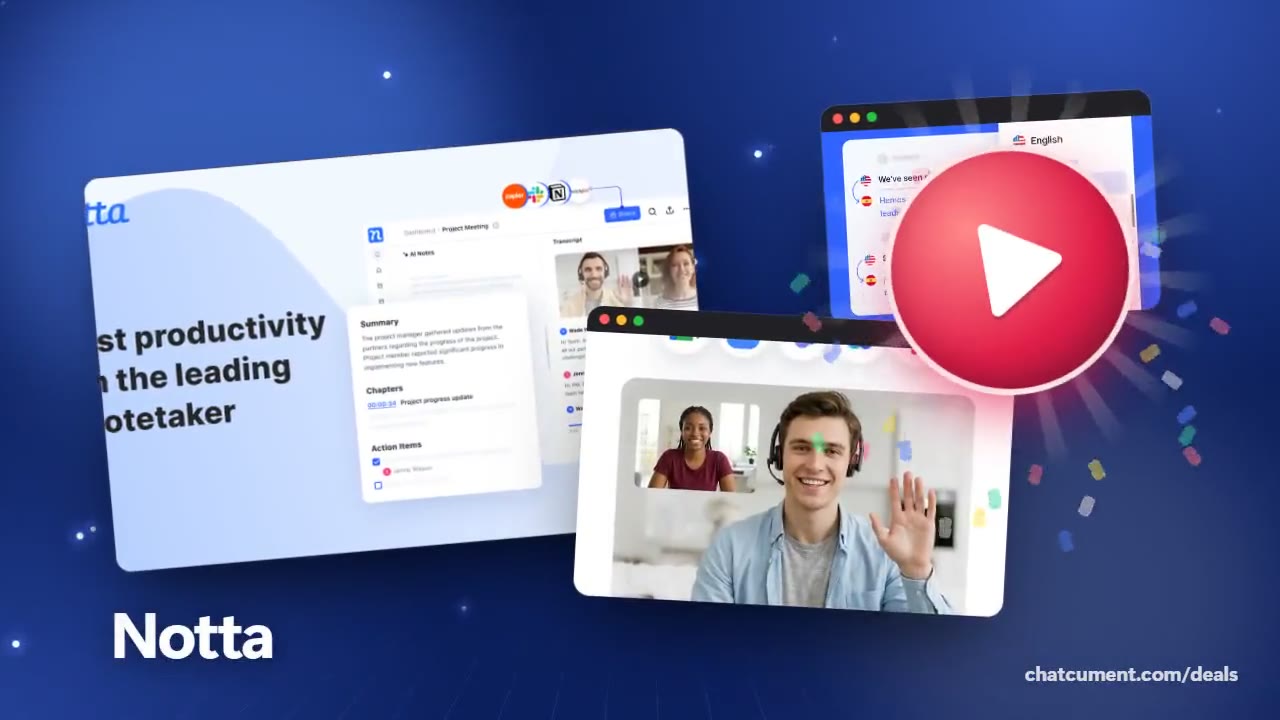
Notta
Turn a YouTube video into searchable text
Paste a link or upload the file and get a transcript
- Free plan, no credit card to start
- 120 transcription minutes every month
- 10 AI summaries, 50 file uploads a month
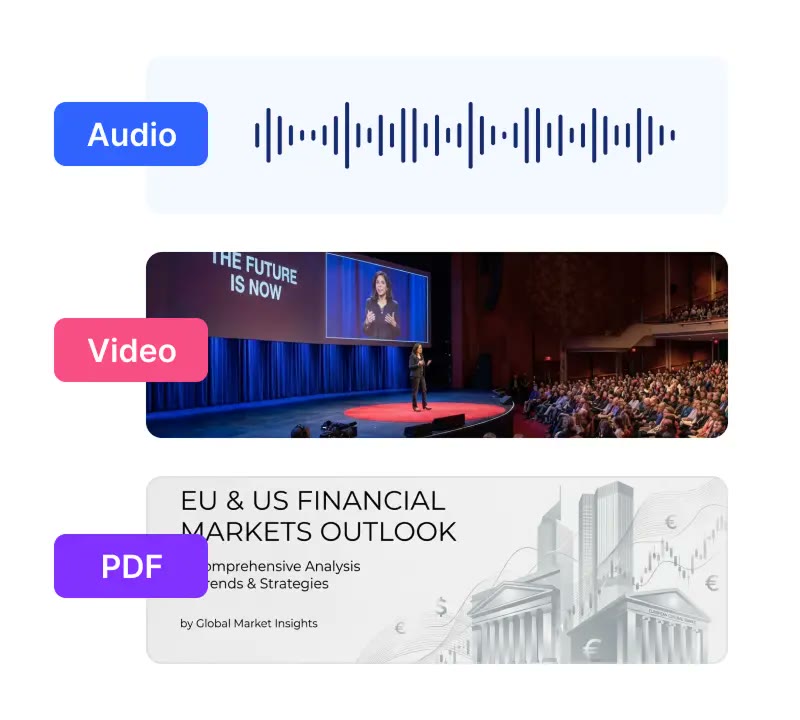
Replaying a lecture or interview to type it out takes hours. Notta's pricing page lists upload and link transcription, which turns audio files, video files and YouTube links straight into text.
What comes back is a searchable transcript rather than a wall of words. You can jump to a scene by keyword, change playback speed, and share just a snippet.
Length is where plans differ. The free plan stops each conversation at 3 minutes, while Pro allows 5 hours per recording and 1,800 minutes a month, enough for a full conference talk.
Once the text exists, the AI summary pulls out the main points for a blog draft or study notes. Transcript translation starts on Pro, which helps when the video is in another language.
Deals you can use now
| Deal | Code | Conditions |
|---|---|---|
| FreeFree plan with 120 transcription minutes a month, no card to start | — | The free plan caps each conversation at 3 minutes, with 50 file uploads and 10 AI summaries a month. The pricing table also lists a 7-day Business trial. |
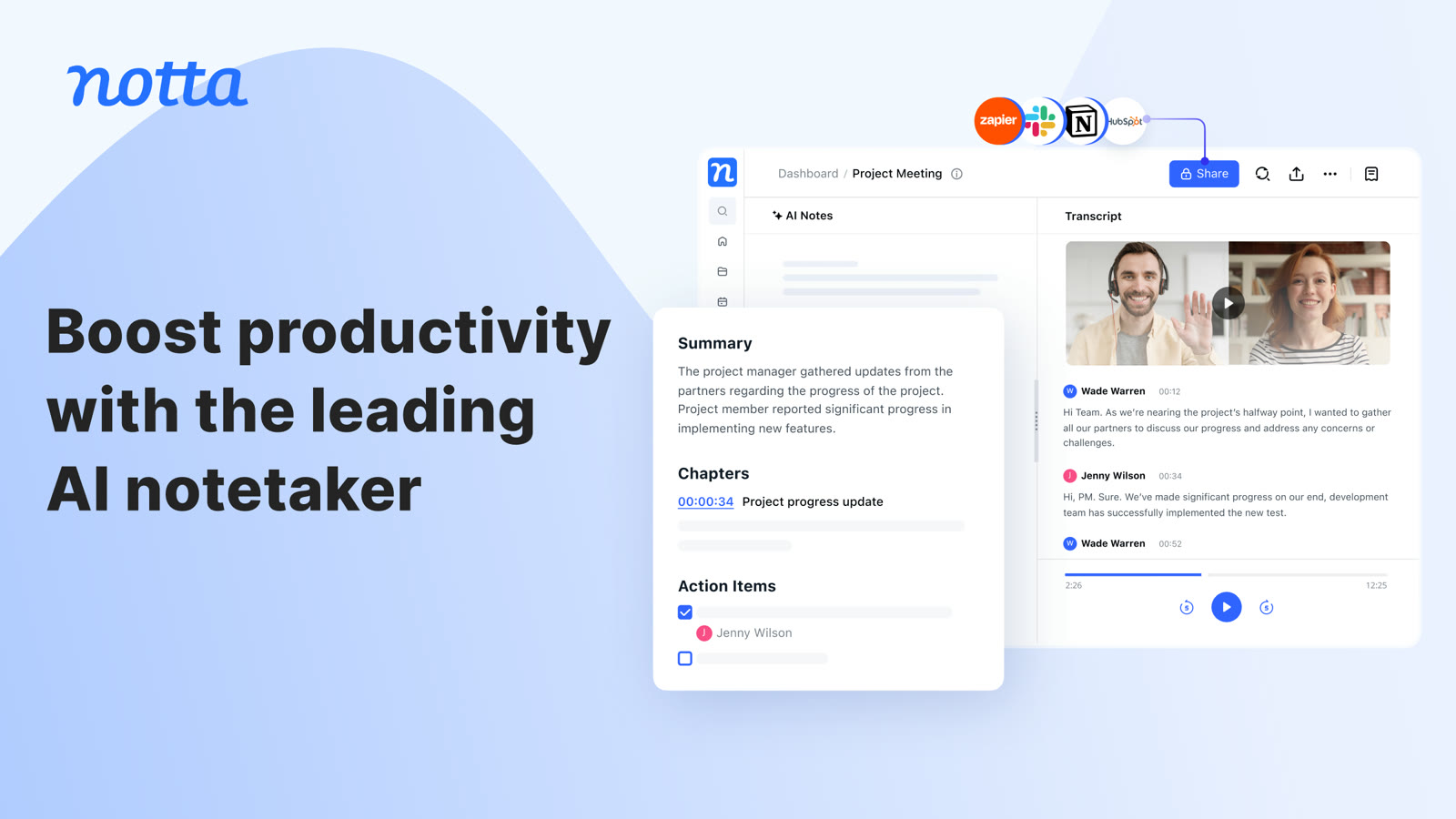 See Notta in detailAI transcripts and notes for meetingsSummary, chapters and action items in one view · Records Zoom, Meet, Teams and Webex calls · Turns audio and video files into text · Live translation next to the original line
FAQ
Is a YouTube link enough?
The pricing page lists transcription from audio files, video files and YouTube links, so you can paste a link or upload a file.
Can it handle a long video?
Pro and above support up to 5 hours per recording. The free plan caps each conversation at 3 minutes.
What if the video is not in English?
Notta states support for 58 languages in transcription, and translation is a Pro feature.
You might also like
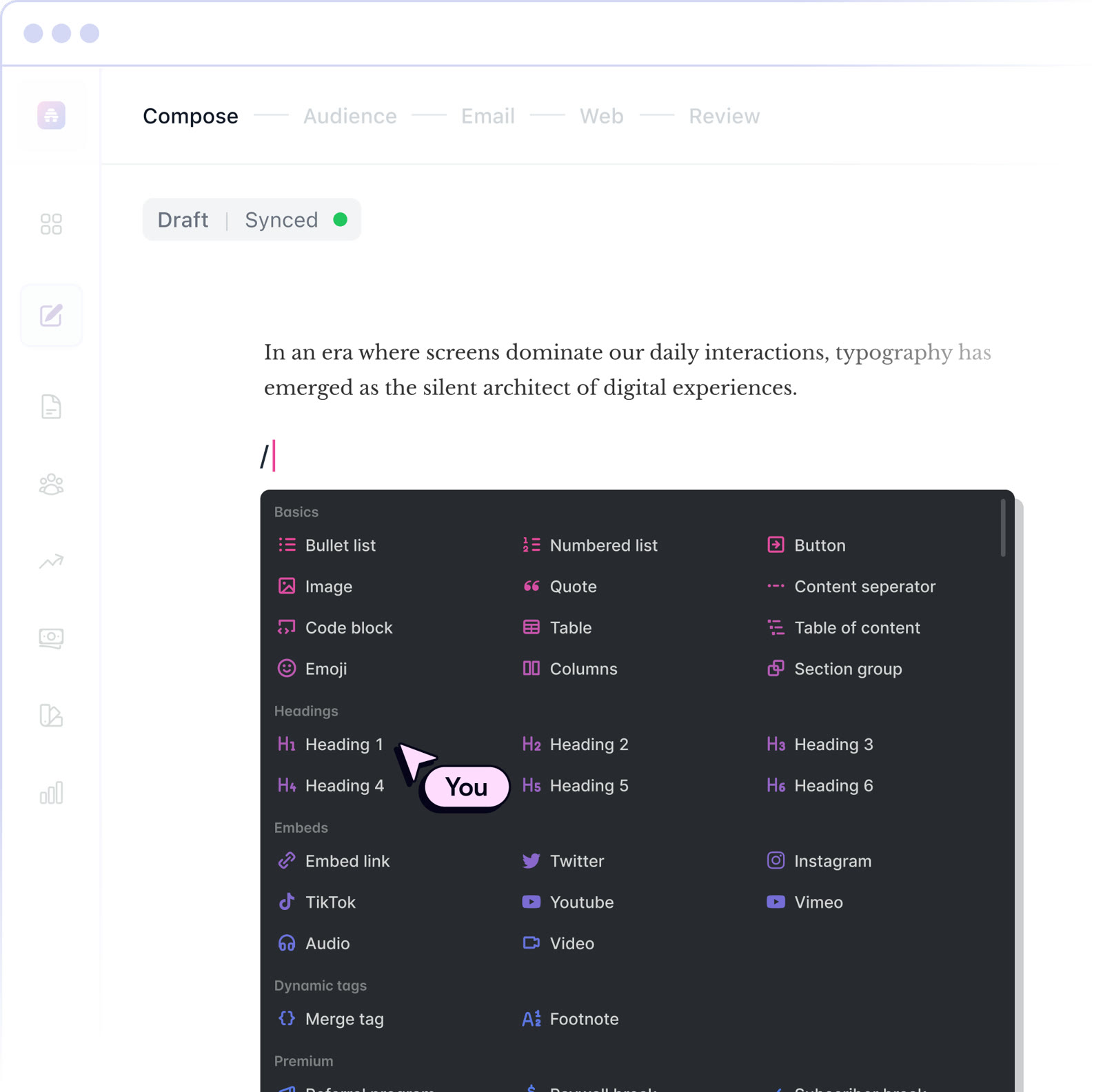 beehiiv20% off the first 3 months of a paid planNewsletter editor, site and monetization in one
 BoxIndividual plan is free; business plans begin with a free trialCloud storage that starts at 10 GB free
 MakeStart on the Free planVisual automation across 3,500+ apps
 MonicaStart on the free planOne AI sidebar for any web page