
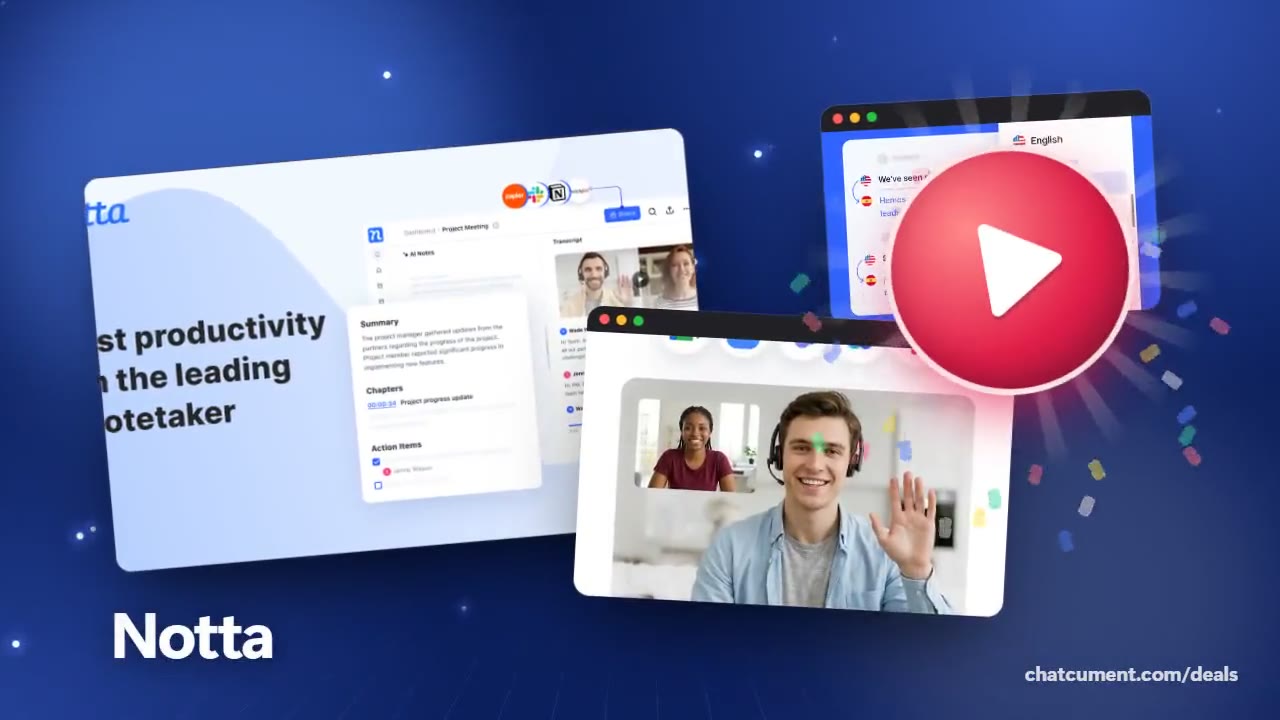
Notta
Interview transcripts sorted by speaker
Upload the recording and read who said what
- Free plan, no credit card to start
- 120 transcription minutes every month
- 10 AI summaries, 50 file uploads a month
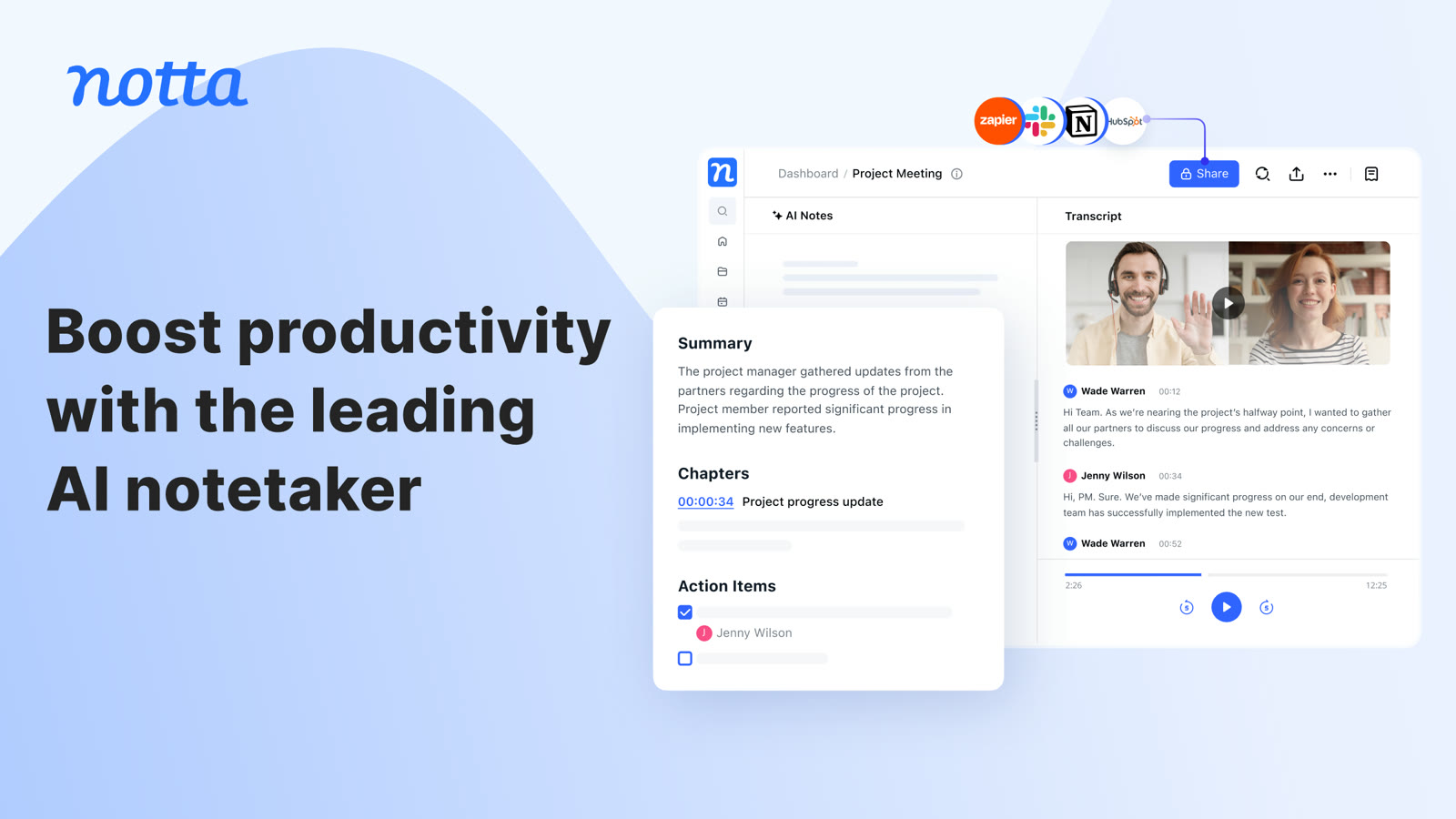
Journalists, researchers and recruiters know the transcript is the worst part of an interview. Upload the audio to Notta and it comes back as text divided by speaker.
You can fix the text right on screen: rename speakers, attach timestamped notes, and use find and replace to clear a repeated typo in one go.
Interviews heavy on names benefit from the custom vocabulary on Pro, which covers English and Japanese. Finished transcripts can be downloaded as TXT, DOCX, PDF, SRT or Excel, according to Notta's audio converter page.
With a stack of interviews saved, you can ask Notta Brain to surface shared themes. The homepage describes comparing themes across 50 interviews.
Deals you can use now
| Deal | Code | Conditions |
|---|---|---|
| FreeFree plan with 120 transcription minutes a month, no card to start | — | The free plan caps each conversation at 3 minutes, with 50 file uploads and 10 AI summaries a month. The pricing table also lists a 7-day Business trial. |
See Notta in detailAI transcripts and notes for meetingsSummary, chapters and action items in one view · Records Zoom, Meet, Teams and Webex calls · Turns audio and video files into text · Live translation next to the original lineFAQ
Which audio formats work?
Notta's free audio converter page says it supports more than 16 formats, including MP3, WAV, M4A and FLAC.
Can I rename the speakers myself?
Editing speaker names appears in the plan feature list, and transcript editing is available on every plan.
Is sensitive interview material safe?
Notta cites SOC 2 Type II and ISO 27001 certifications and GDPR compliance. Check source-protection rules at your own organization separately.
You might also like
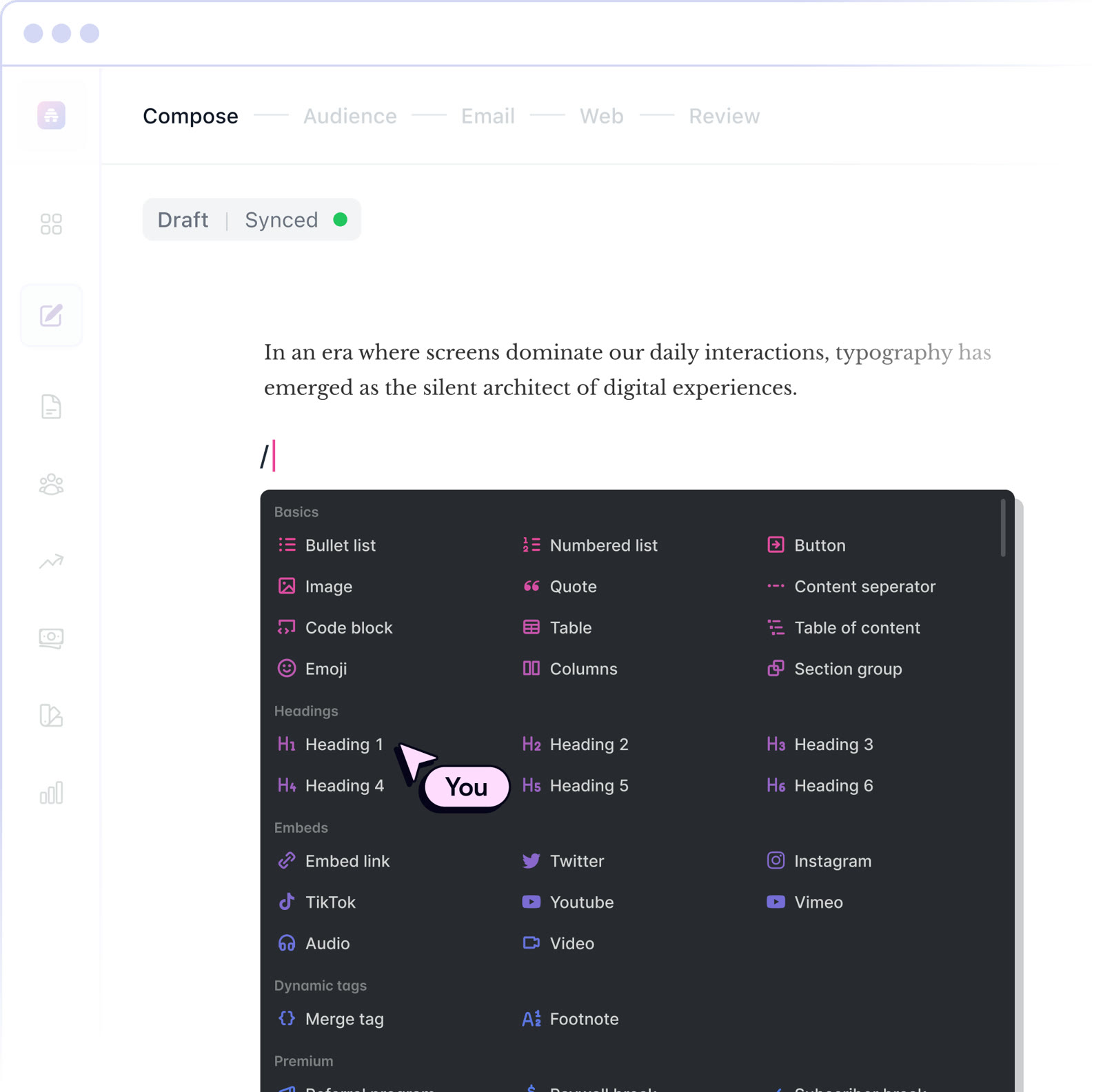 beehiiv20% off the first 3 months of a paid planNewsletter editor, site and monetization in one
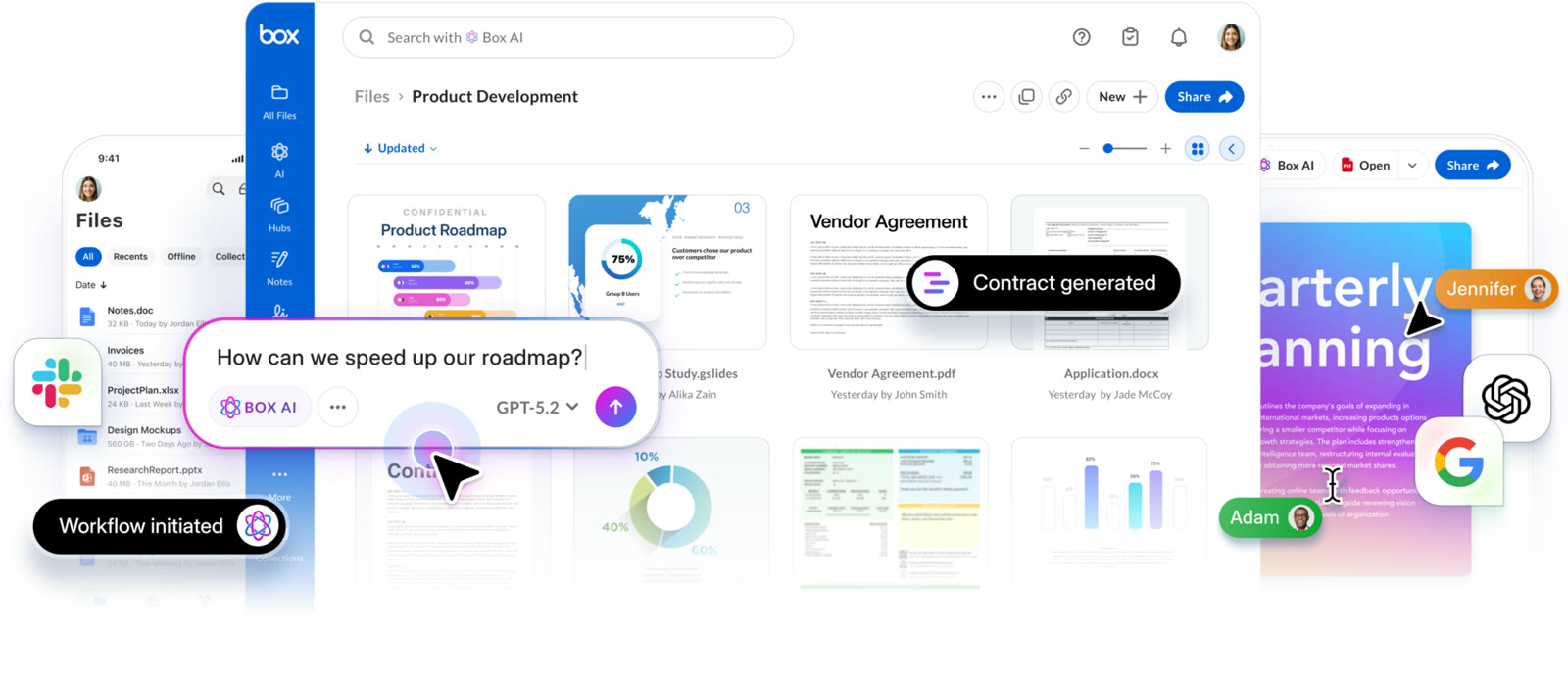 BoxIndividual plan is free; business plans begin with a free trialCloud storage that starts at 10 GB free
 MakeStart on the Free planVisual automation across 3,500+ apps
 MonicaStart on the free planOne AI sidebar for any web page