
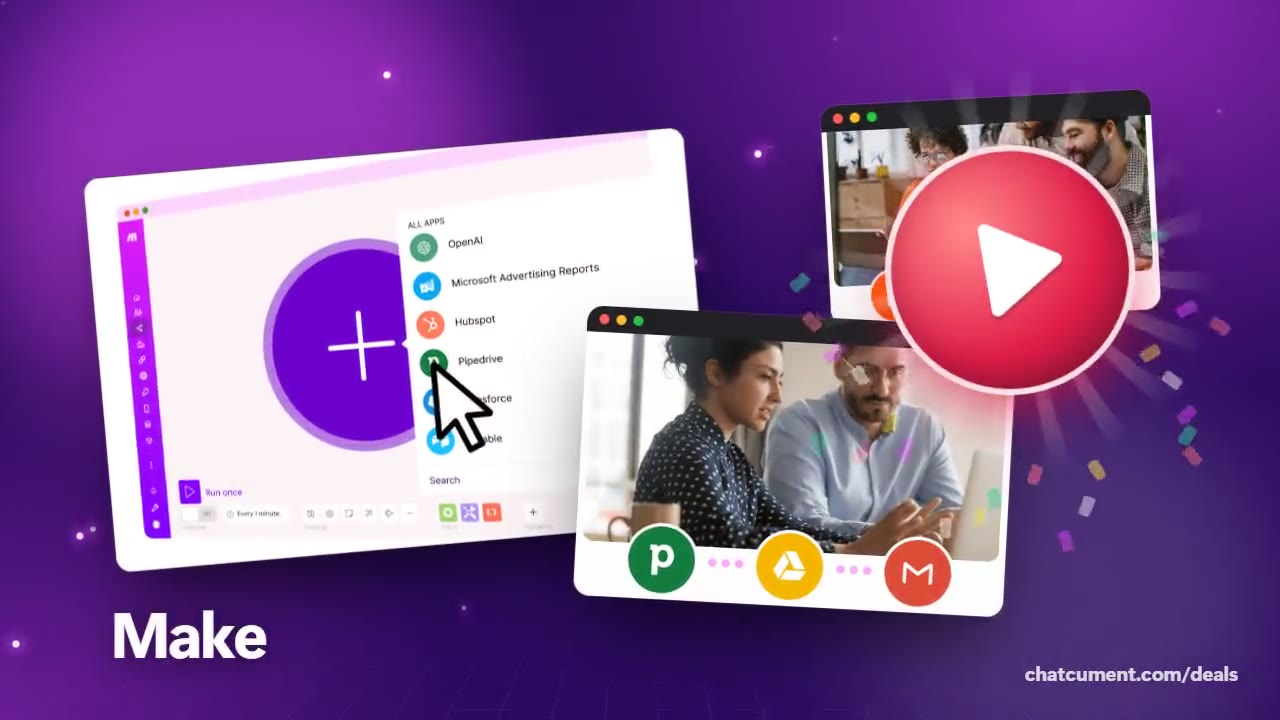
Send Facebook ad leads to your CRM and email list
A new lead goes from signup to first email by itself.
- Free plan, 1,000 credits a month
- Start with no credit card
- Connect 3,500+ apps on the Free plan
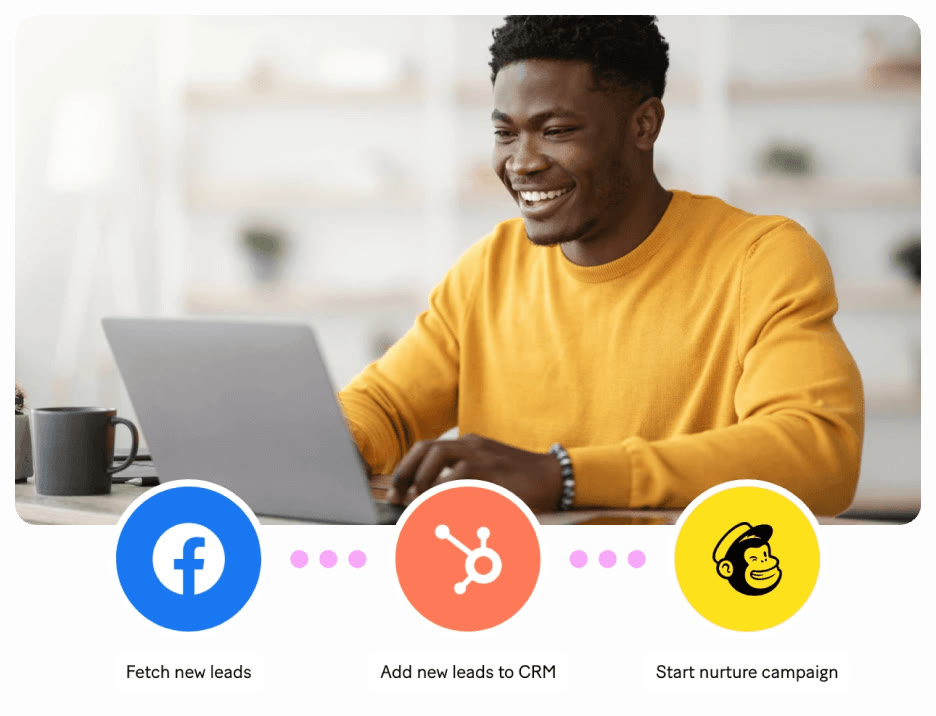
Leads from ads cool off the longer they wait. Make shows a three-step layout: fetch new leads from Facebook, add them to HubSpot, and start a Mailchimp nurture campaign.
The step names are written out in order on screen: Fetch new leads, Add new leads to CRM, Start nurture campaign. Each one is paired with one app icon.
Sales flows follow the same pattern. The official visuals include one that watches Pipedrive for new deals, prepares a contract in Google Drive and sends it from Gmail.
Three module actions per lead means three credits. On the Free plan's 1,000 monthly credits, that is a little over three hundred leads in theory.
Free allows two active scenarios and intervals of 15 minutes or more. When you want faster lead response, that is the moment to look at a higher plan.
Deals you can use now
| Deal | Code | Conditions |
|---|---|---|
| FreeStart on the Free plan | — | 1,000 credits a month, no time limit, no credit card |
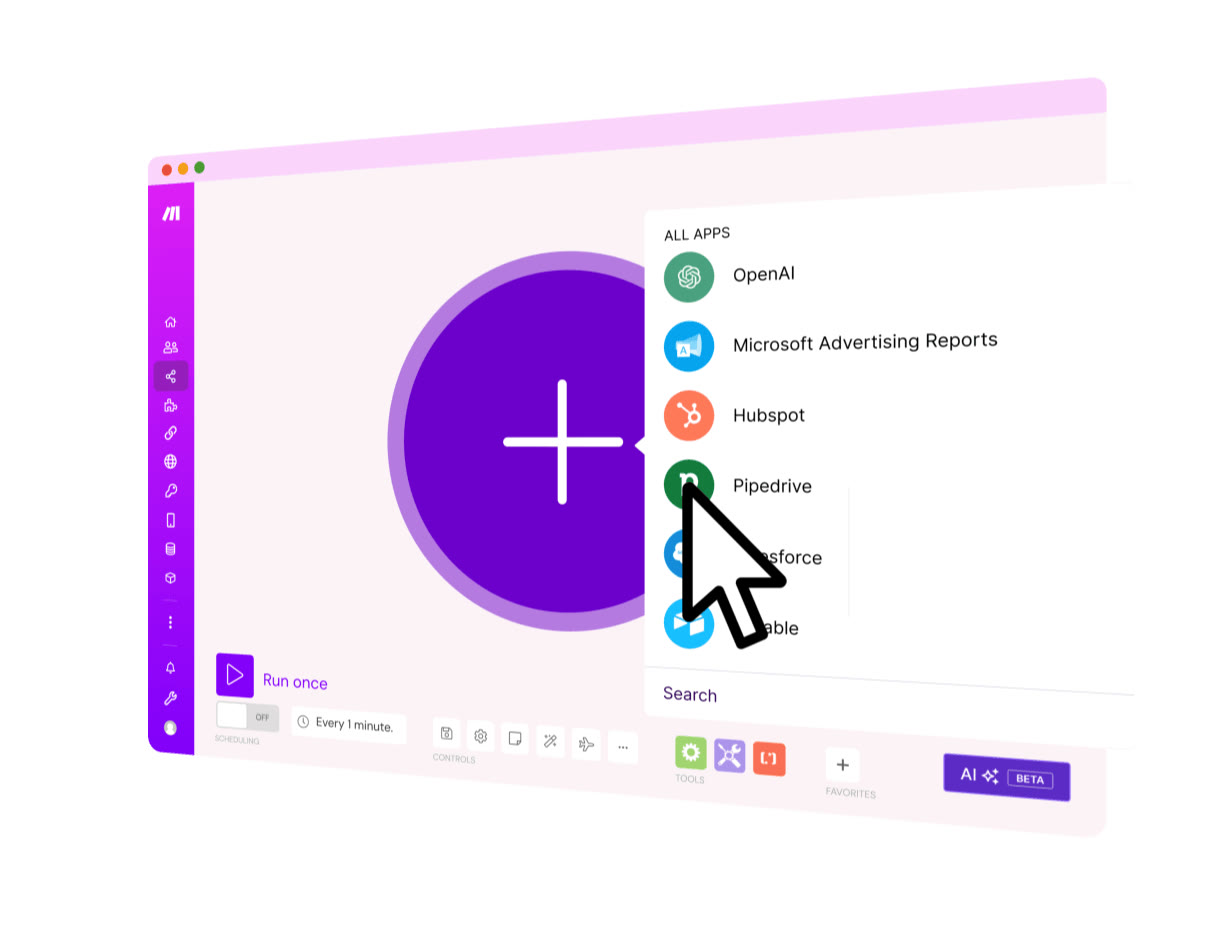 See Make in detailVisual automation across 3,500+ appsA canvas where you add apps with one plus · The whole scenario drawn as a map · AI apps gathered around one hub · Ad leads flowing into CRM and email
FAQ
Are leads added in real time?
Not on Free: scheduled runs wait at least 15 minutes between checks. Core brings the interval down to one minute.
Can I use a CRM other than HubSpot?
The official visuals also show a Pipedrive example. Search the app list to check the CRM you use.
Does this layout need coding?
You pick and link apps on screen, so no code is required. A separate Make Code app exists for when you want to write some.
You might also like
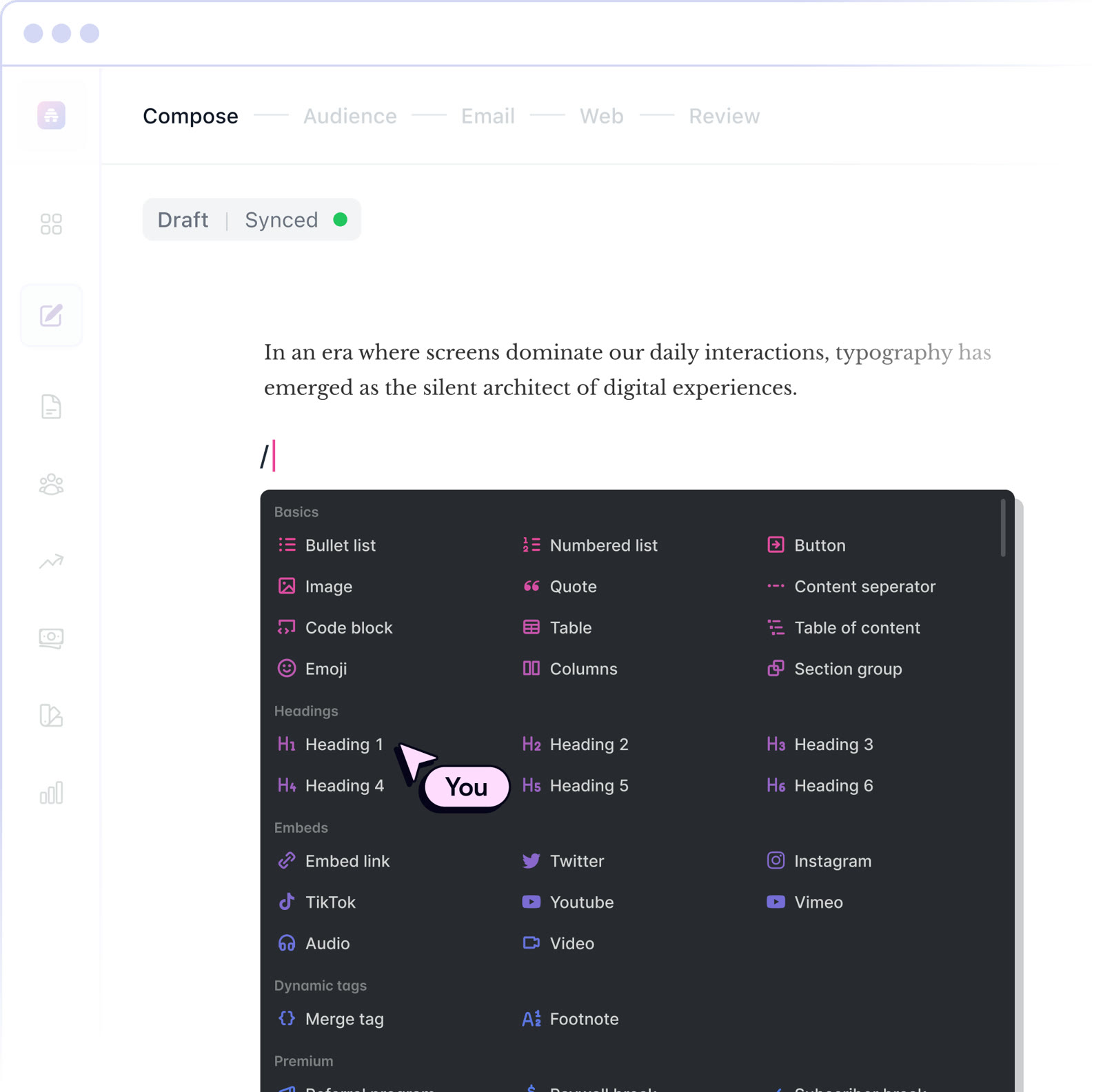 beehiiv20% off the first 3 months of a paid planNewsletter editor, site and monetization in one
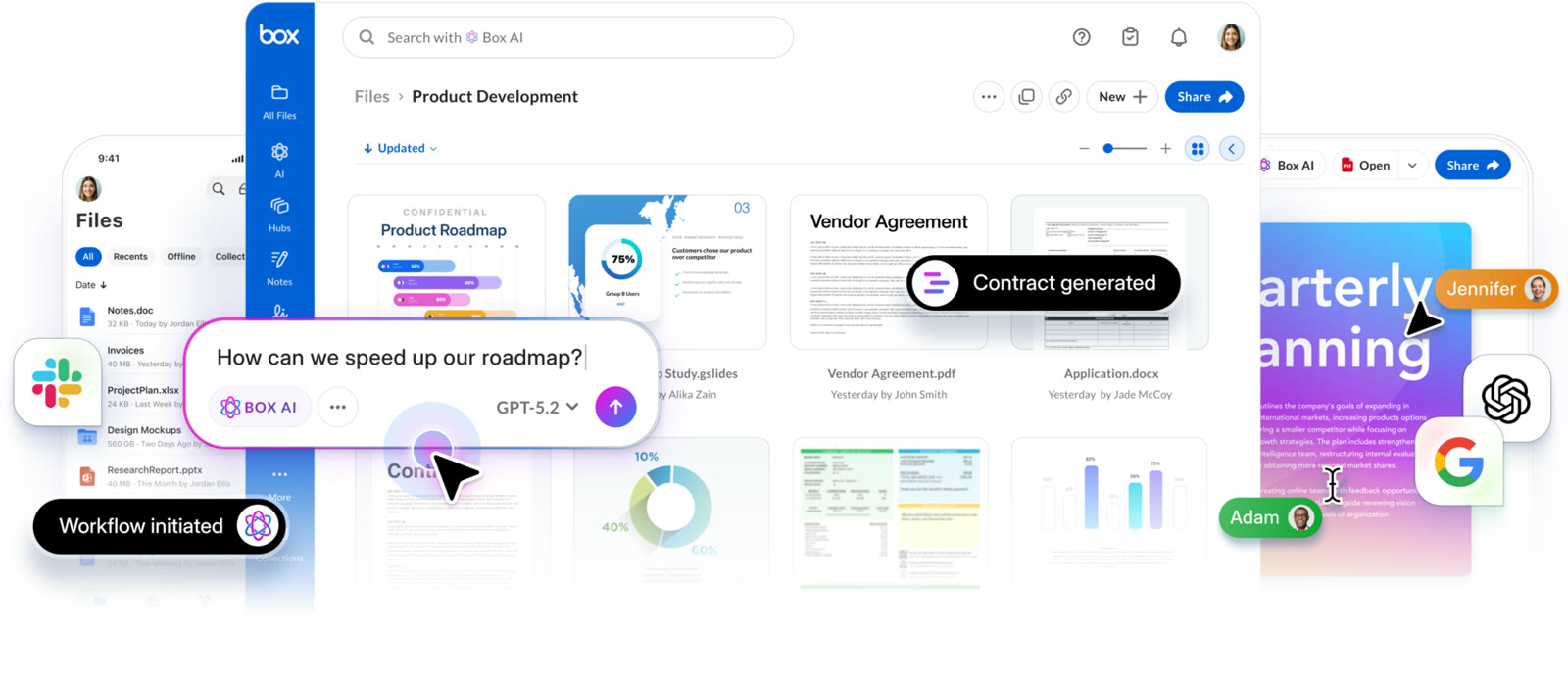 BoxIndividual plan is free; business plans begin with a free trialCloud storage that starts at 10 GB free
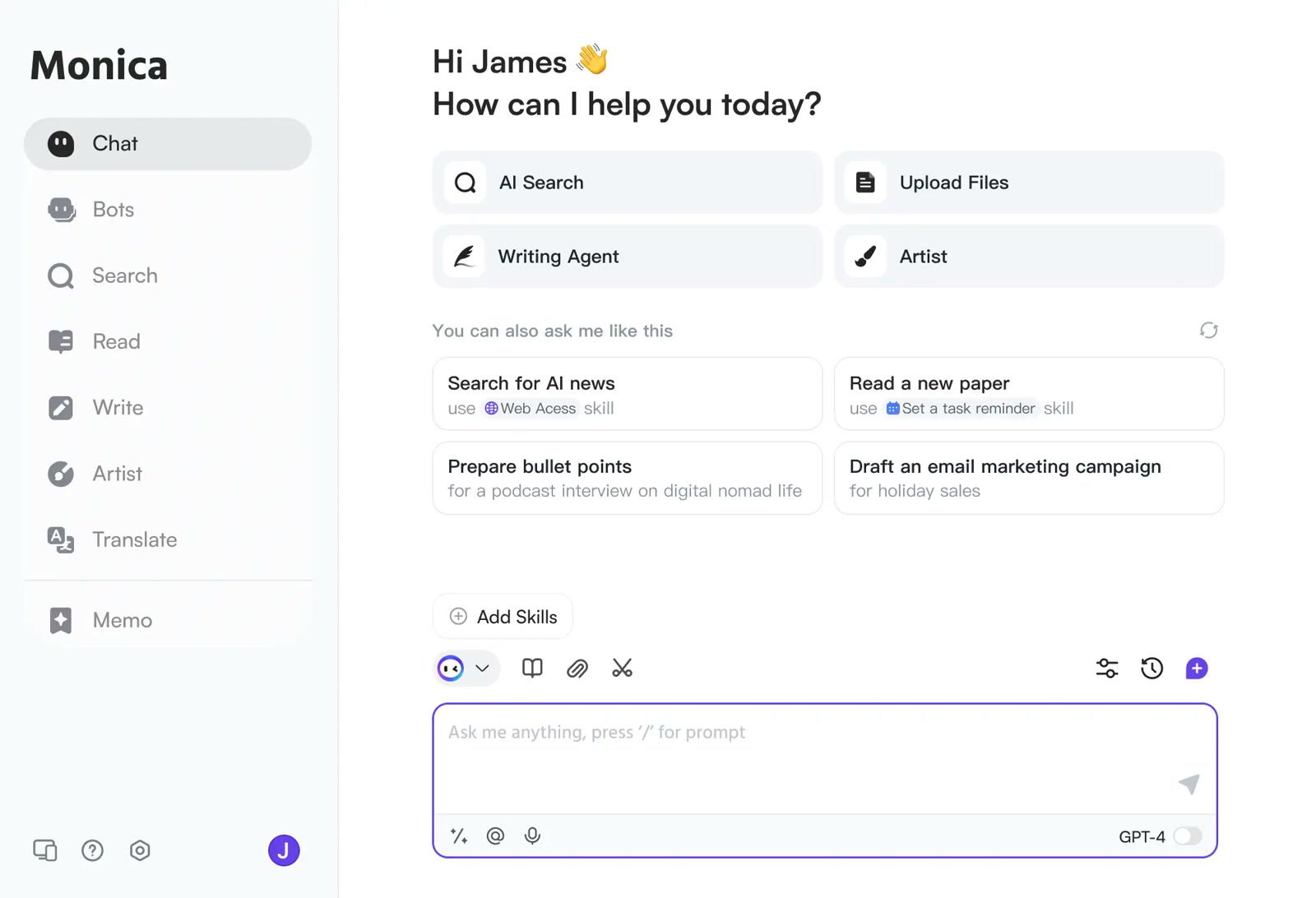 MonicaStart on the free planOne AI sidebar for any web page
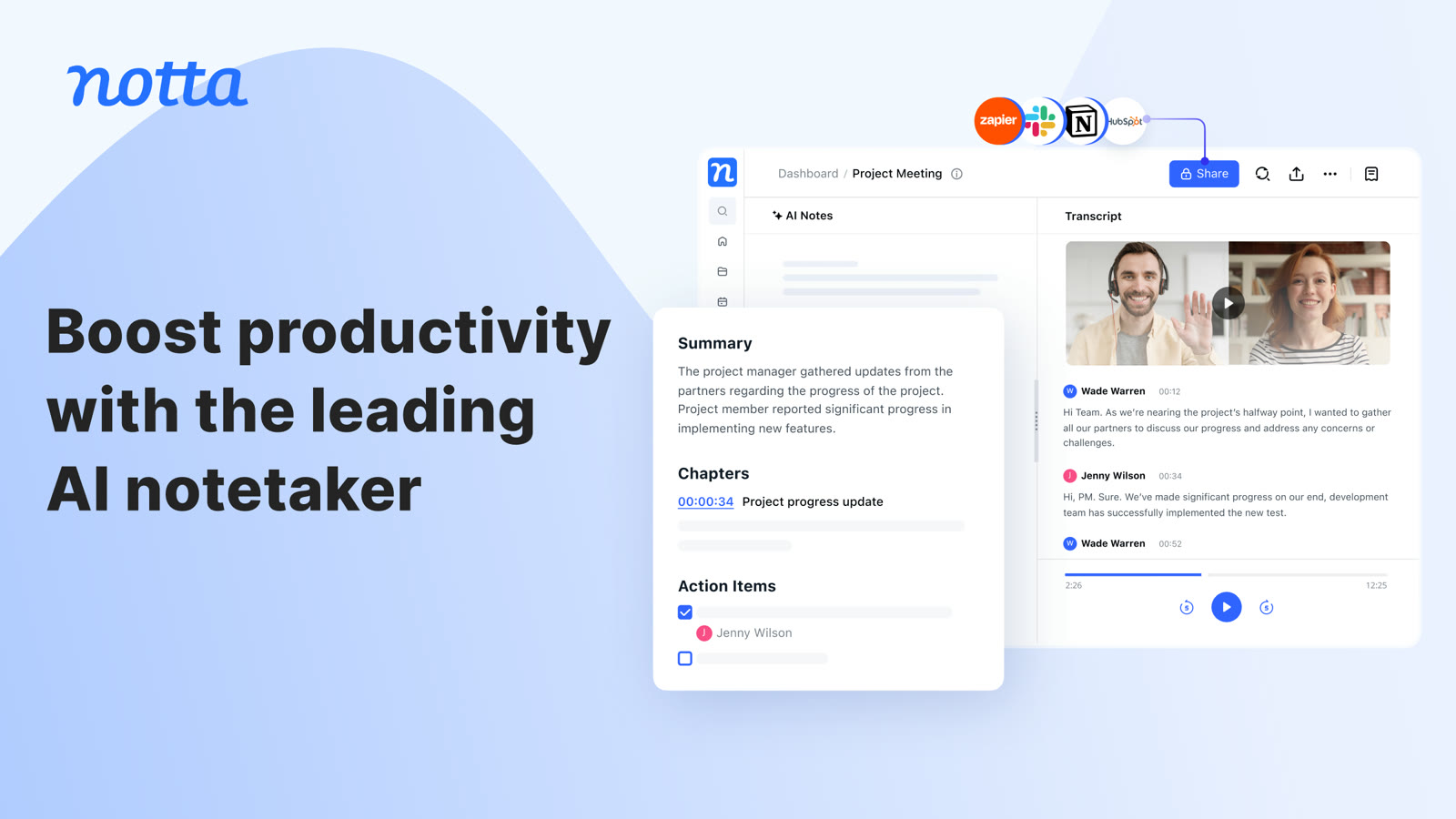 NottaFree plan with 120 transcription minutes a month, no card to startAI transcripts and notes for meetings