
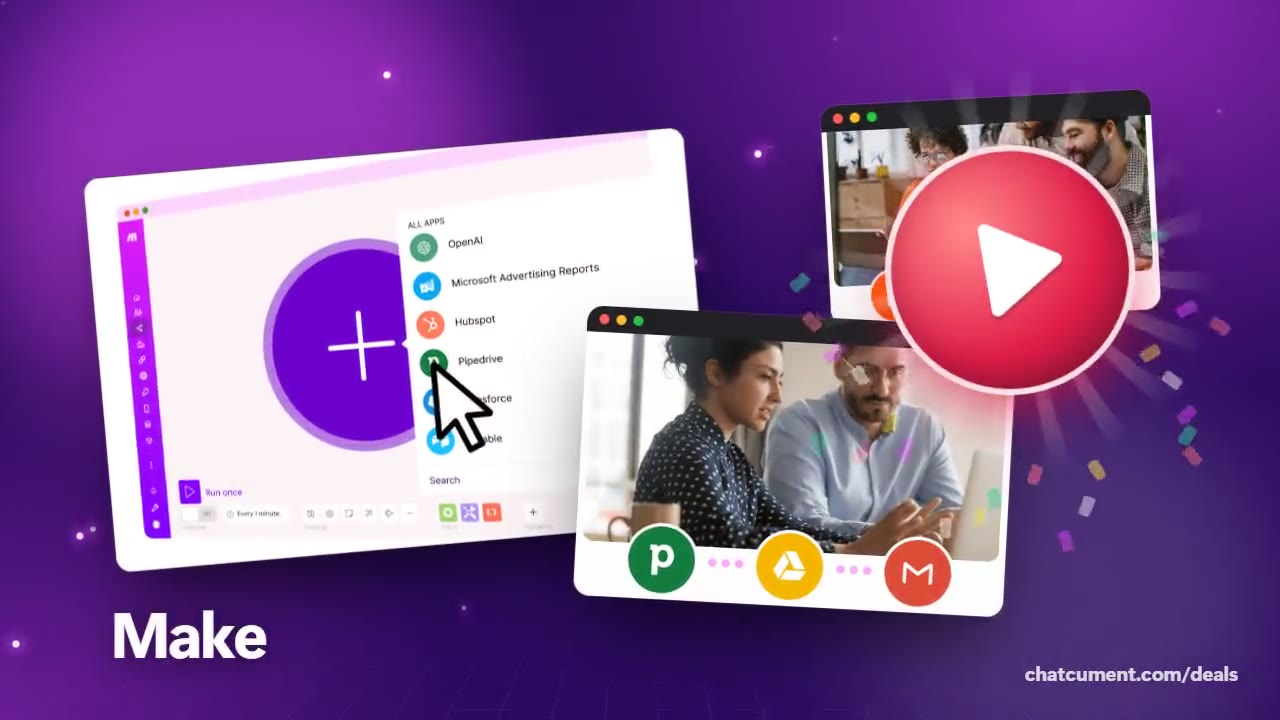
Automate Google Sheets without writing code
When a new row appears, Make passes it on to other apps.
- Free plan, 1,000 credits a month
- Start with no credit card
- Connect 3,500+ apps on the Free plan

A spreadsheet is a team notebook, but copying rows into other tools stays manual. Make can watch Google Sheets for new rows and hand their contents to another app.
One featured layout watches for new rows and exports them to a database. The sheet stays the place where people type, and the tidy copy lands in the database.
It also works the other way round. Something that happens in another app can be written as a row, and the Make site even shows hours being counted into a spreadsheet on the way to an invoice.
Credit math is simple. The pricing page itself uses adding a Google Sheet row as its example of one credit. On the Free plan's 1,000 monthly credits, a small sheet is easy to test.
If a cleanup job is fine every 15 minutes, leave it on Free. If the sheet has to trigger something every minute, that is when to look at Core.
Deals you can use now
| Deal | Code | Conditions |
|---|---|---|
| FreeStart on the Free plan | — | 1,000 credits a month, no time limit, no credit card |
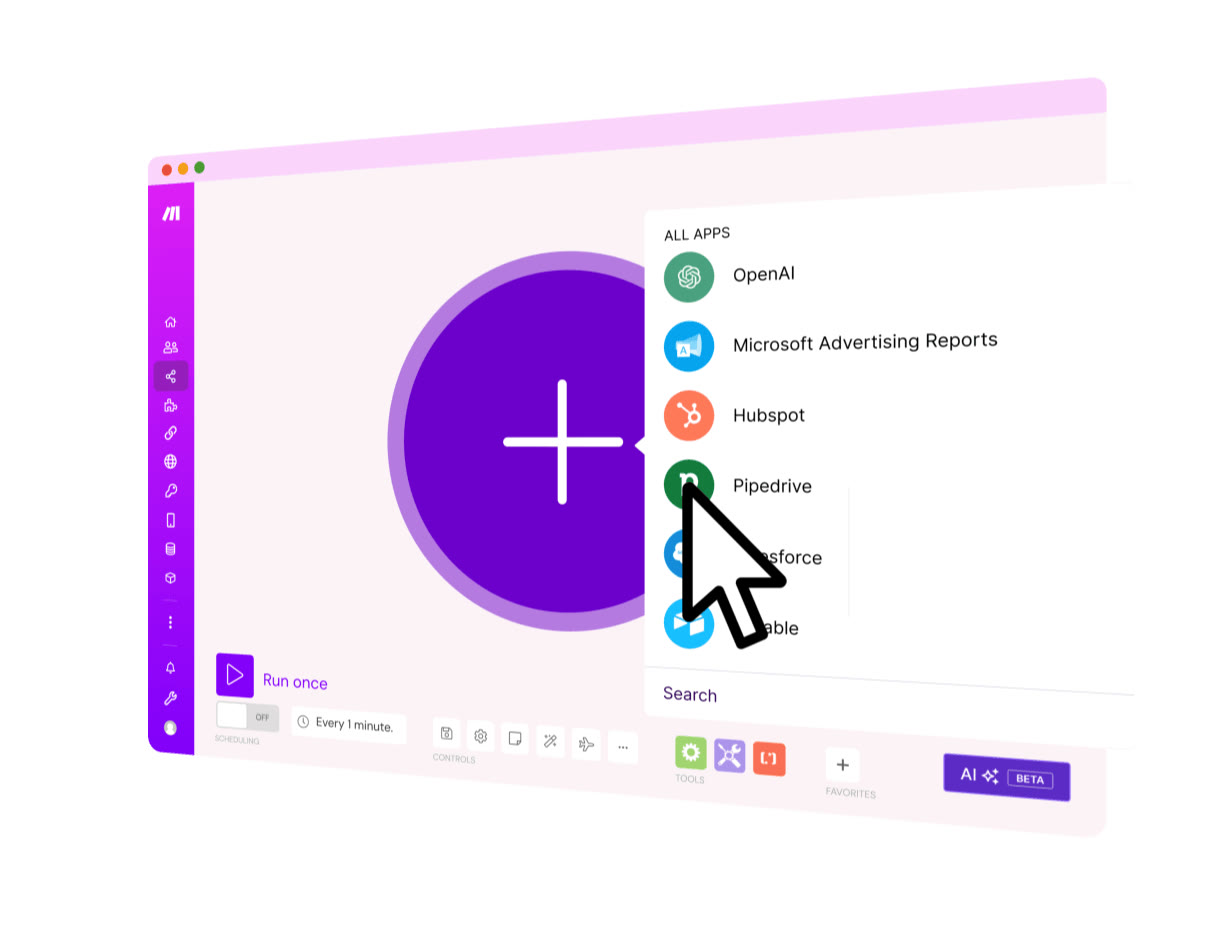 See Make in detailVisual automation across 3,500+ appsA canvas where you add apps with one plus · The whole scenario drawn as a map · AI apps gathered around one hub · Ad leads flowing into CRM and email
FAQ
Does it run the moment a row is added?
On Free, scheduled runs are at least 15 minutes apart. One-minute schedules begin with the Core plan.
How many credits does one row cost?
Each module action is one credit. Reading a row and writing it to a database is two steps, so plan on about two credits per row.
Where can rows go besides a sheet?
You choose from 3,500+ apps, so databases, email and chat can all be chained on the same canvas.
You might also like
 beehiiv20% off the first 3 months of a paid planNewsletter editor, site and monetization in one
 BoxIndividual plan is free; business plans begin with a free trialCloud storage that starts at 10 GB free
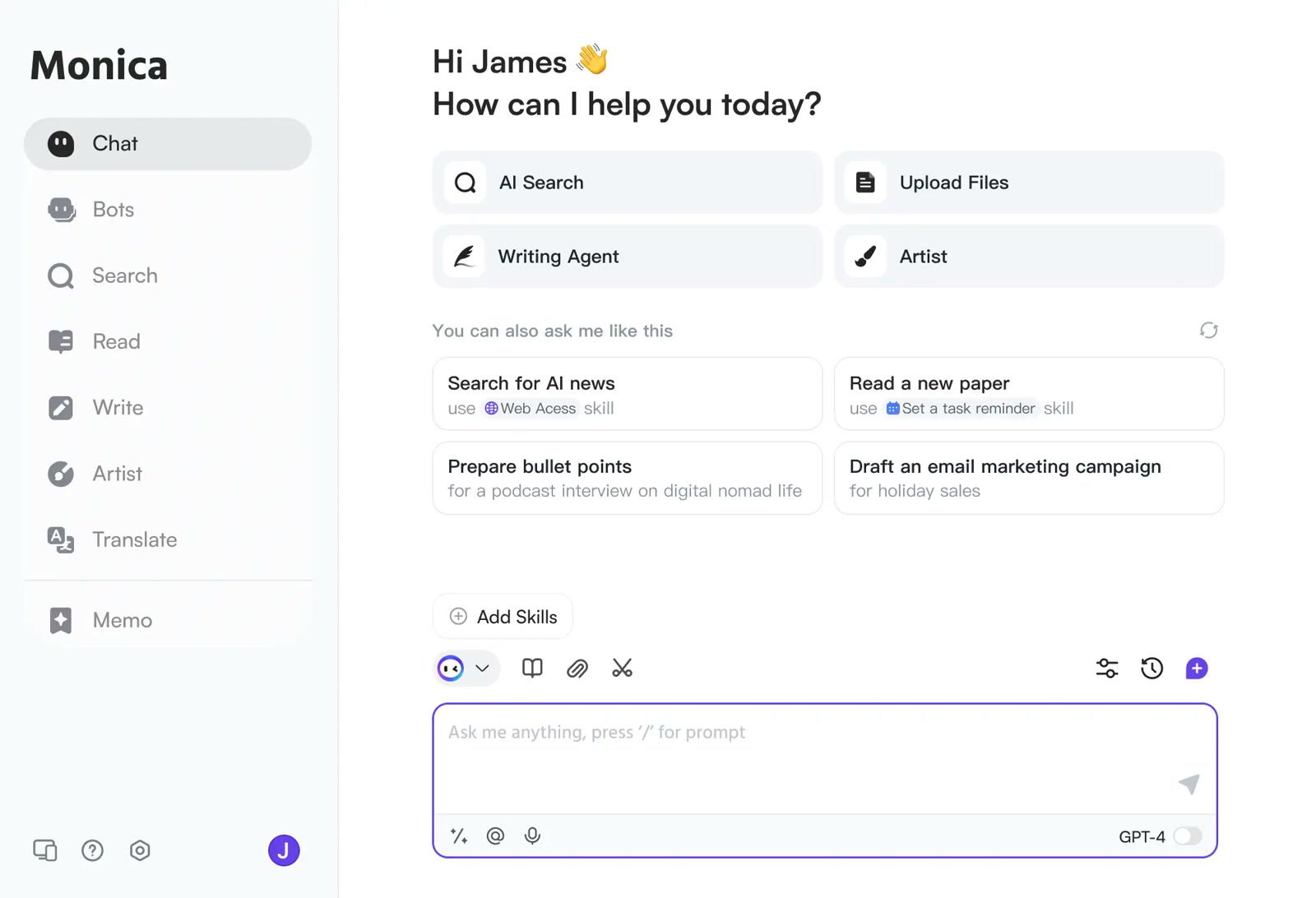 MonicaStart on the free planOne AI sidebar for any web page
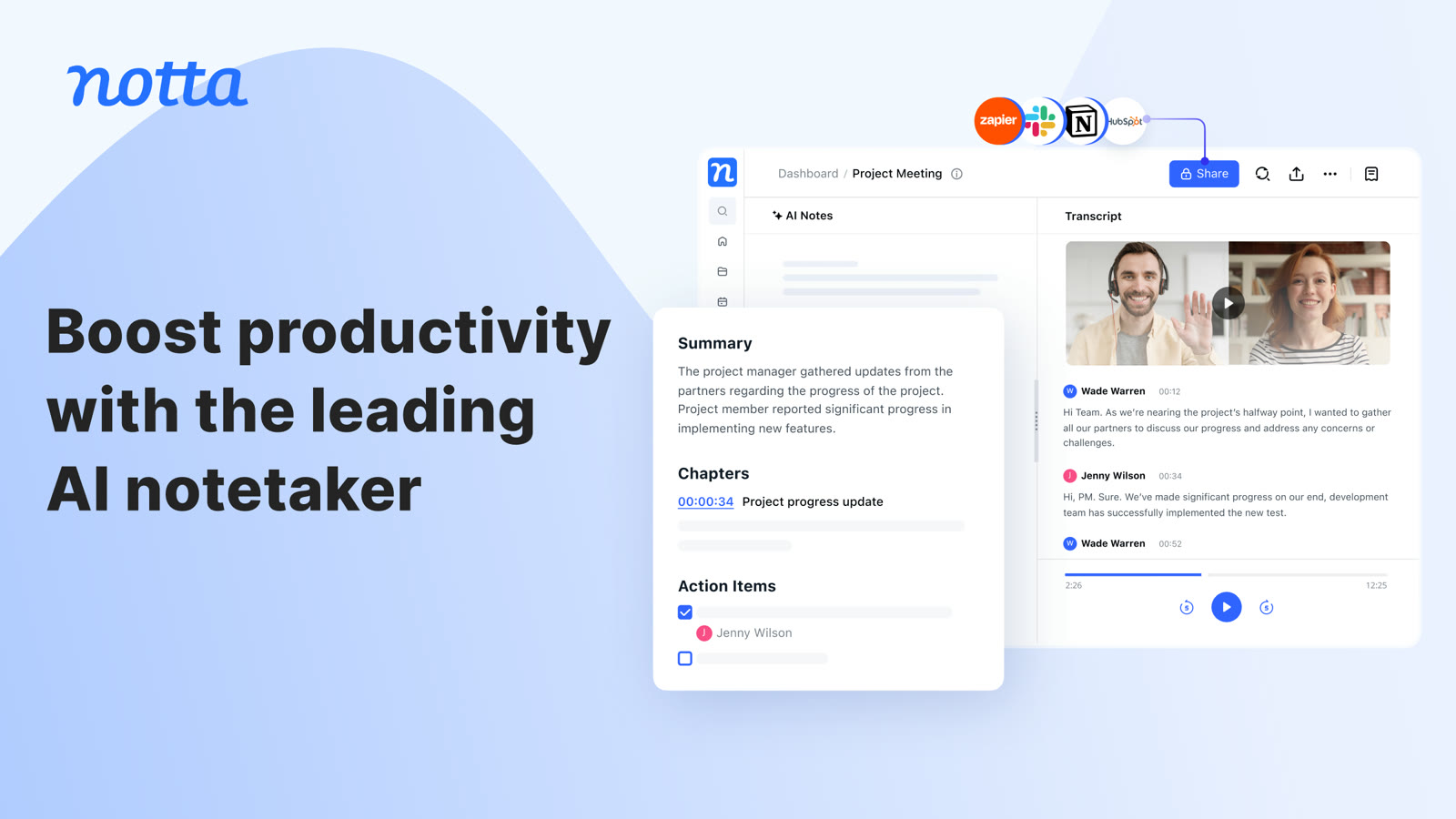 NottaFree plan with 120 transcription minutes a month, no card to startAI transcripts and notes for meetings