

hidemy.name
VPN for public Wi-Fi
Encrypt everything you send on a network you do not control.
- 24-hour free VPN trial, no sign-up
- Up to 5 devices on one plan
- 30-day money-back guarantee
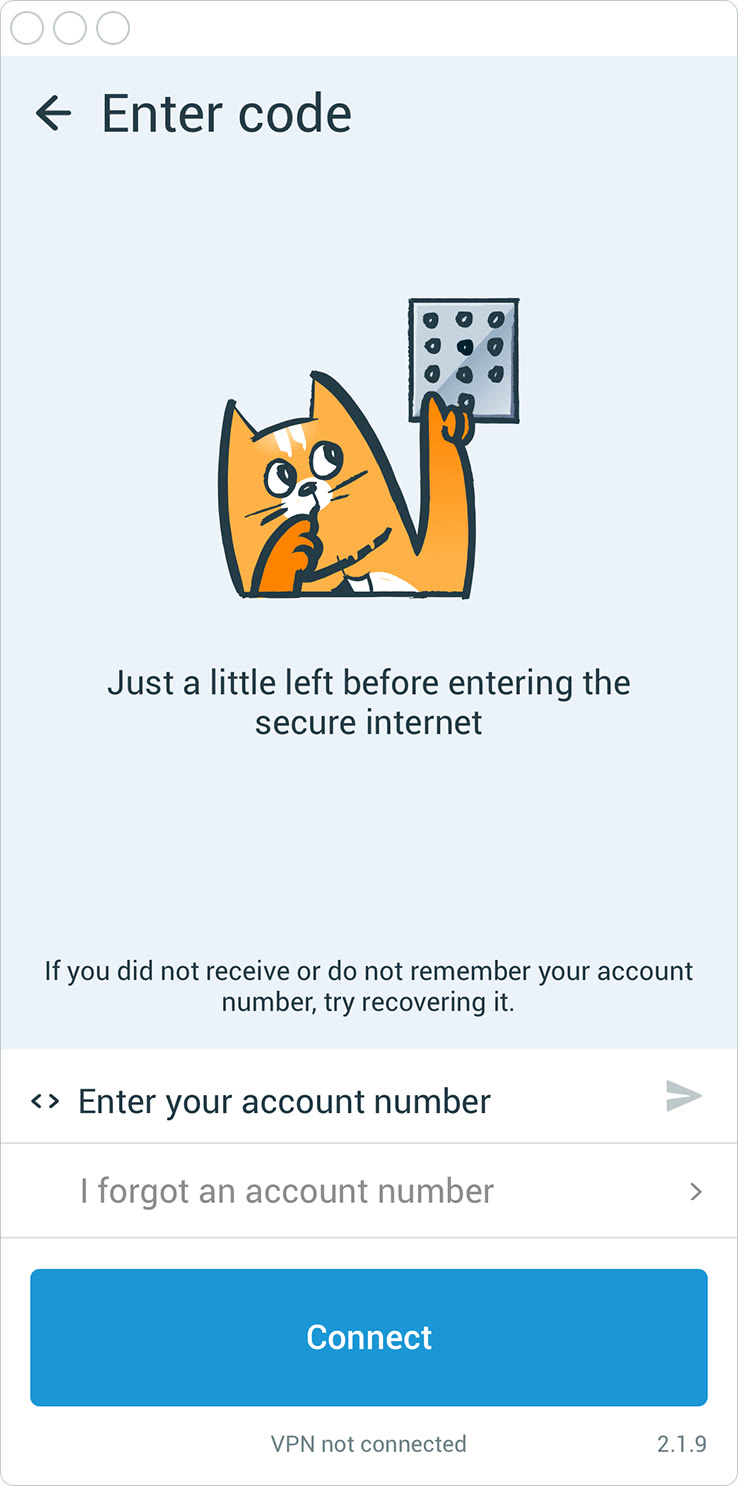
Open Wi-Fi in a cafe or co-working space lets other people on the network try to read unencrypted traffic. A VPN wraps your connection in encryption before it leaves the device.
With hidemy.name you install the app, enter your access code and press Connect. After that your logins, mail and messages travel through the encrypted tunnel.
The apps cover Windows, macOS, Linux, Android and iOS, and one code works on up to 5 devices, so a laptop and a phone can be protected together.
You can test the setup with the free 24-hour trial. If you buy afterwards, there is a 30-day money-back guarantee.
Deals you can use now
| Deal | Code | Conditions |
|---|---|---|
| 24h freeTry hidemy.name VPN free for 24 hours | — | Trial access without registration. Paid plans add more and faster servers, open ports and personal IP addresses. |
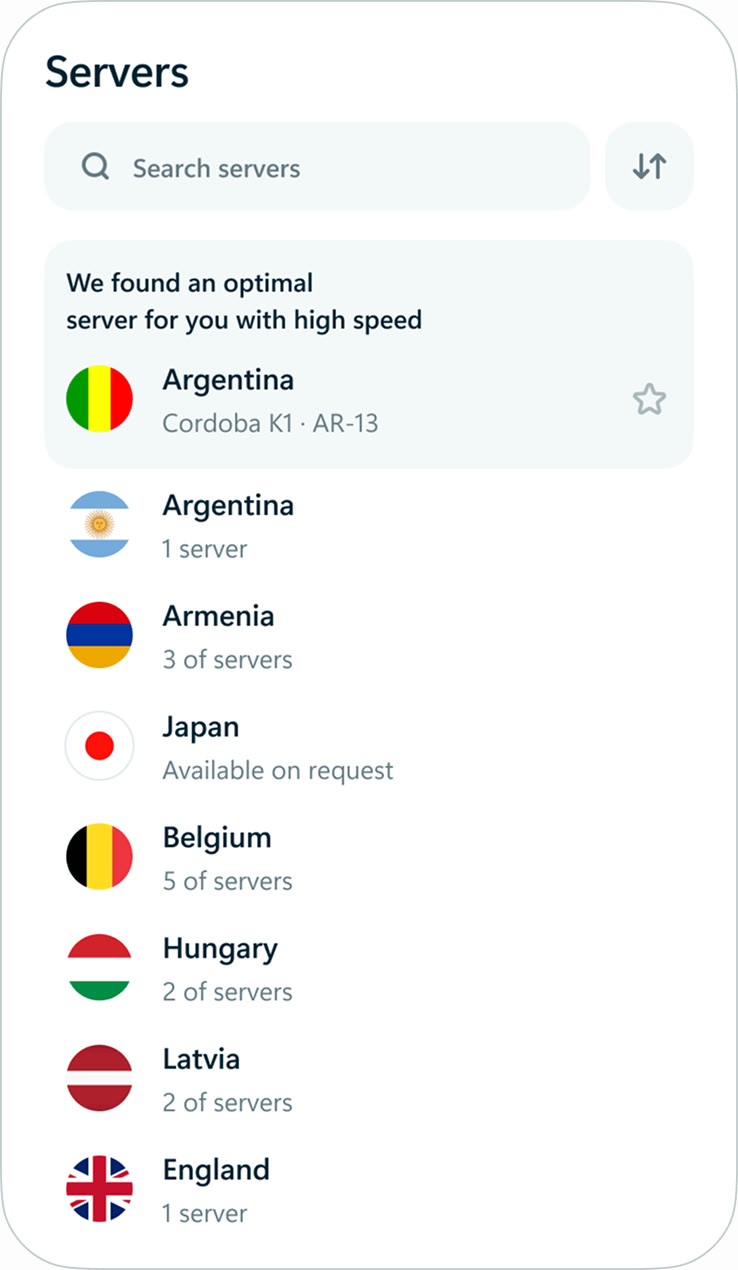 See hidemy.name VPN in detailVPN for 5 devices, 24h free testServers in 42 countries · Automatic or manual server choice · One access code, every app · Start with a new account
FAQ
Does a VPN protect me on hotel Wi-Fi?
It encrypts your traffic between your device and the VPN server, which protects it from others on the same local network.
Can I cover my phone and laptop with one plan?
Yes, up to 5 devices at once.
Do I need to turn it on each time?
You press Connect in the app when you want the tunnel active.
Is there a cheap way to try it?
The 24-hour trial is free.
You might also like
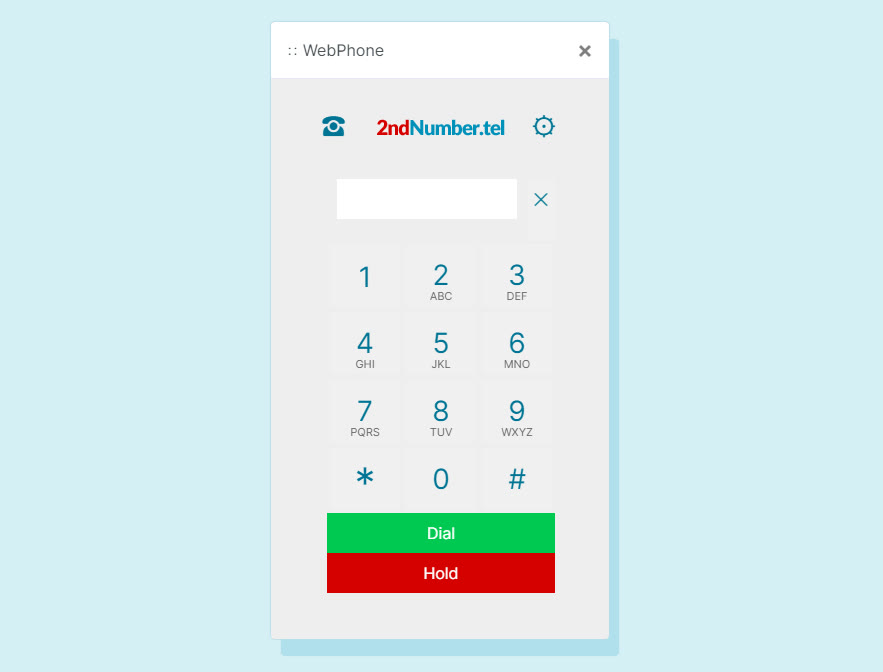 2ndNumber20% off yearly plans with code GIVEME20A US or UK number, no SIM needed
 FamiSafeAn extra code you add at checkoutParental controls kids know about
 KeeperTry Keeper's personal and family plans free for 30 daysPassword manager, 30 days free
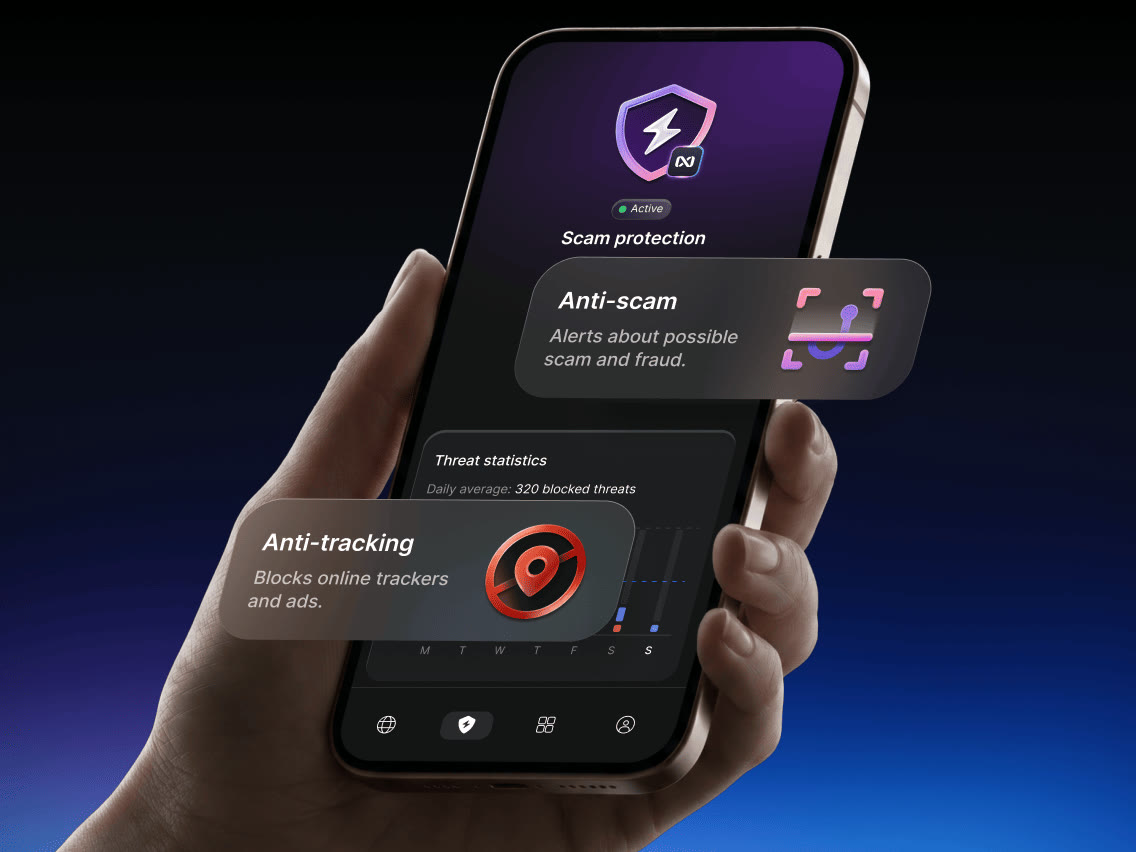 NordVPNLong-term plan savings plus a 30-day money-back guaranteeProtect 10 devices on one VPN plan