
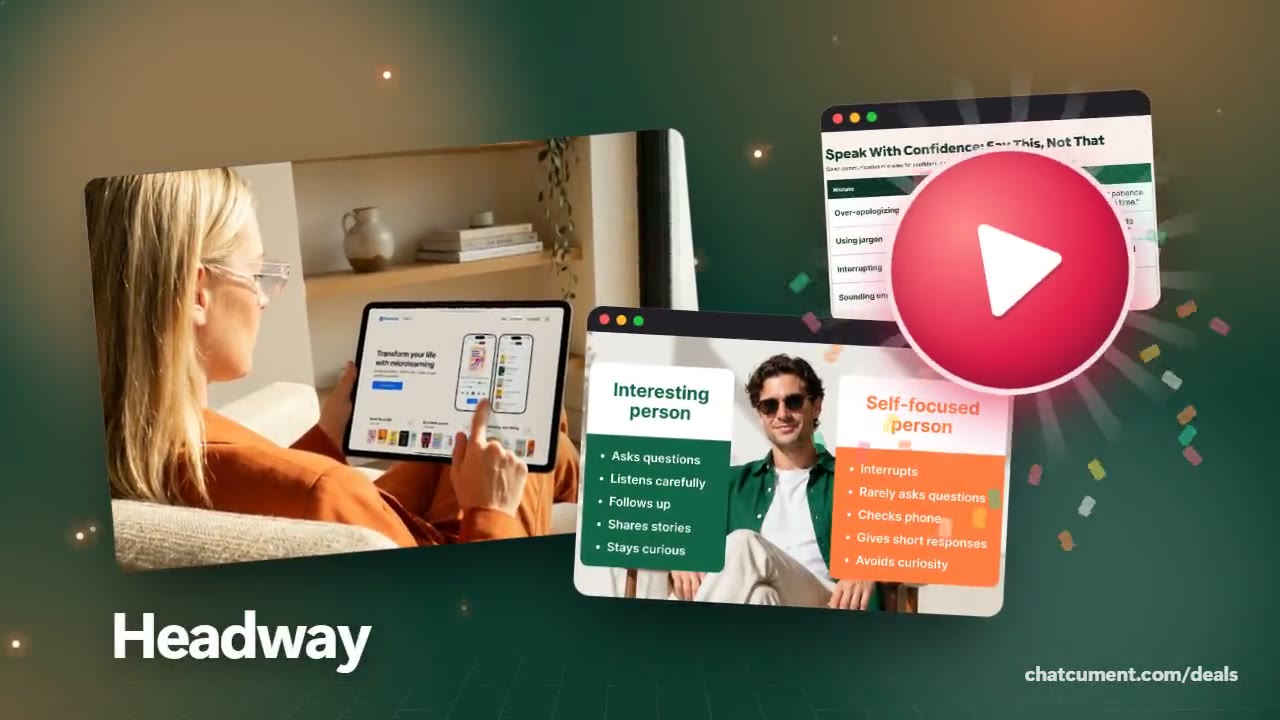
Headway Inc
Audio book summaries for the commute
Listen on the way to work, at the gym or while the dinner cooks.
- Key ideas from bestsellers in 15 minutes
- Free Daily Read, no card needed
- Read or listen, in 7 app languages

A commute is dead time for a lot of people, and audio is the format that fits it. Every Headway summary has an audio version that runs about fifteen to twenty minutes, so one ride, one workout or one round of chores covers one book's main ideas.
Speed is yours to set. The player moves from 0.5x up to 2x, though the setting resets for each new summary because every narrator has a natural tempo and what suits one voice may rush another.
No signal on the train or the plane? Tap the download icon beforehand and the summary sits in your Library for offline play. Saving a title for later is a separate action, so download it too if you will be offline.
Audio and text share the same content, so you can start a summary in the car and finish reading it at a desk. A highlight button in the player marks the moment that hits home, and it lands in your Highlights tab for later.
Deals you can use now
| Deal | Code | Conditions |
|---|---|---|
| 7 days freeFree 7-day trial with the yearly plan | — | One trial per app store account. On Google Play the trial needs card details, and you turn off auto-renew before it ends to avoid the first charge. |
 See Headway in detailBook summaries in 15 minutesRead it or hear it · Eleven languages in the app · Books on people and communication · Goals turned into a path
FAQ
How long are the audio summaries?
They run about fifteen to twenty minutes each.
Can I change the narration speed?
Yes, anywhere from 0.5x to 2x. The speed resets when you open a new summary.
Does it work offline?
Yes, once you download the summary in the app. Saved items are not downloaded automatically.
Can I mark a good line while listening?
The player has a Highlight button that stores the moment in your Highlights tab, so you can return to it later.
You might also like
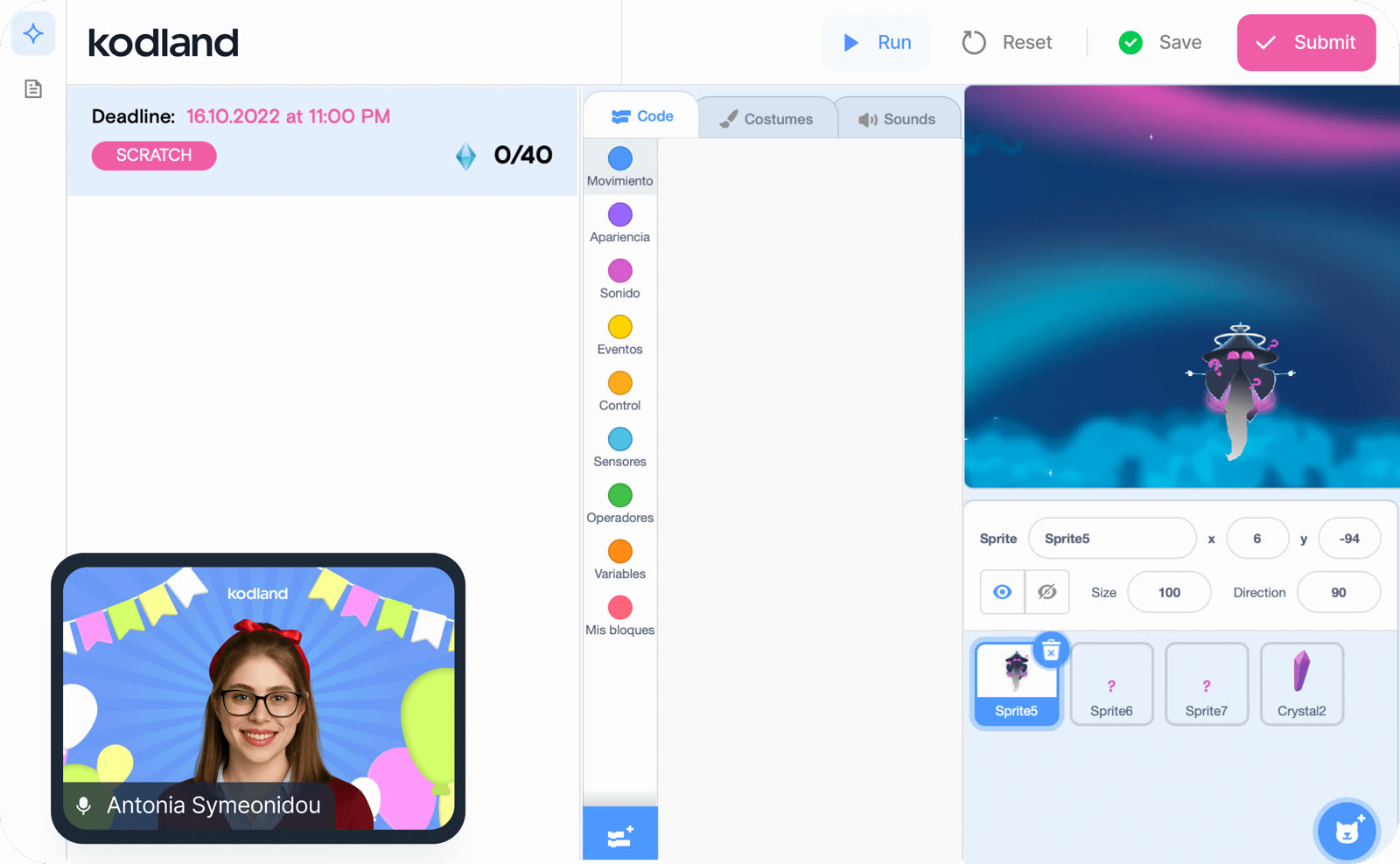 Kodland10% off your first course with START10Live online coding classes, ages 8–17
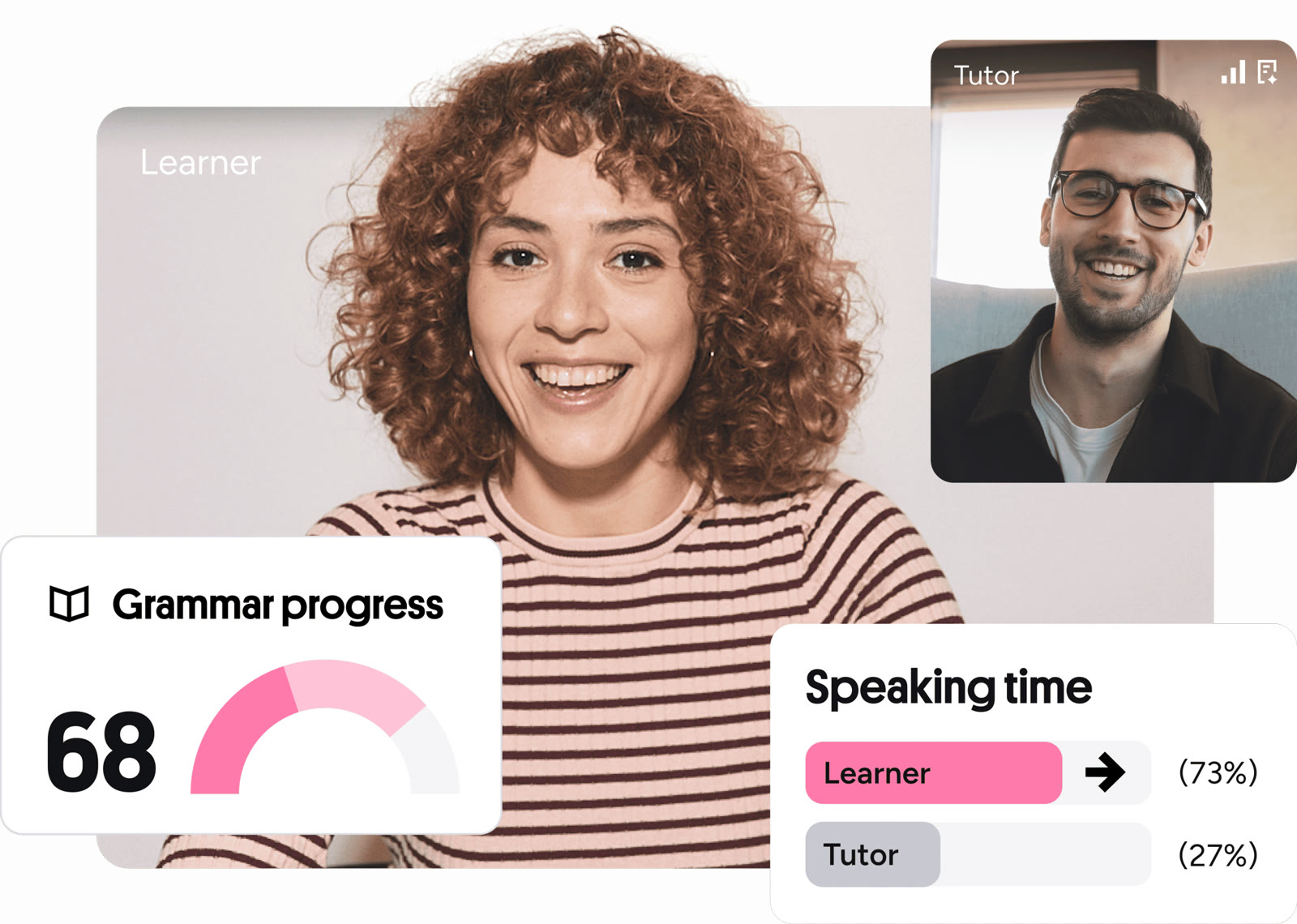 Preply5% off a tutor purchasePick a 1-on-1 language tutor
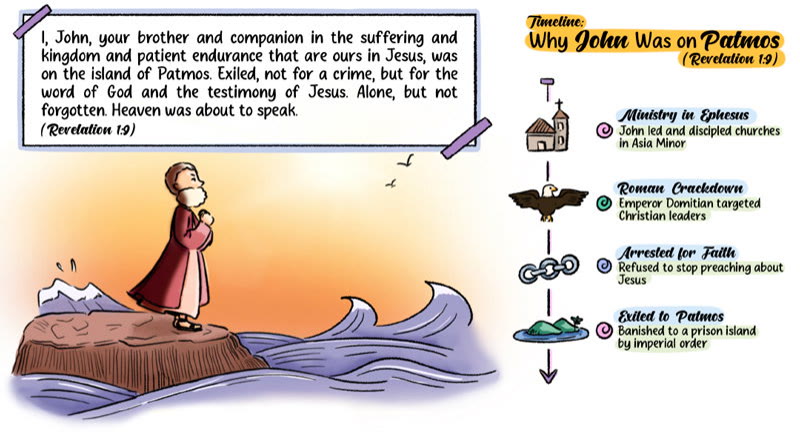 Stories of BibleSale prices on The Bible, Genesis and Revelation: Made SimpleStudy the Bible by chart, map and tree
 PDFelement20% off PDFelementEdit a PDF as easily as a Word file