
Wondershare
Record gameplay, meetings and tutorials in 4K
A recorder that lives next to your converter.
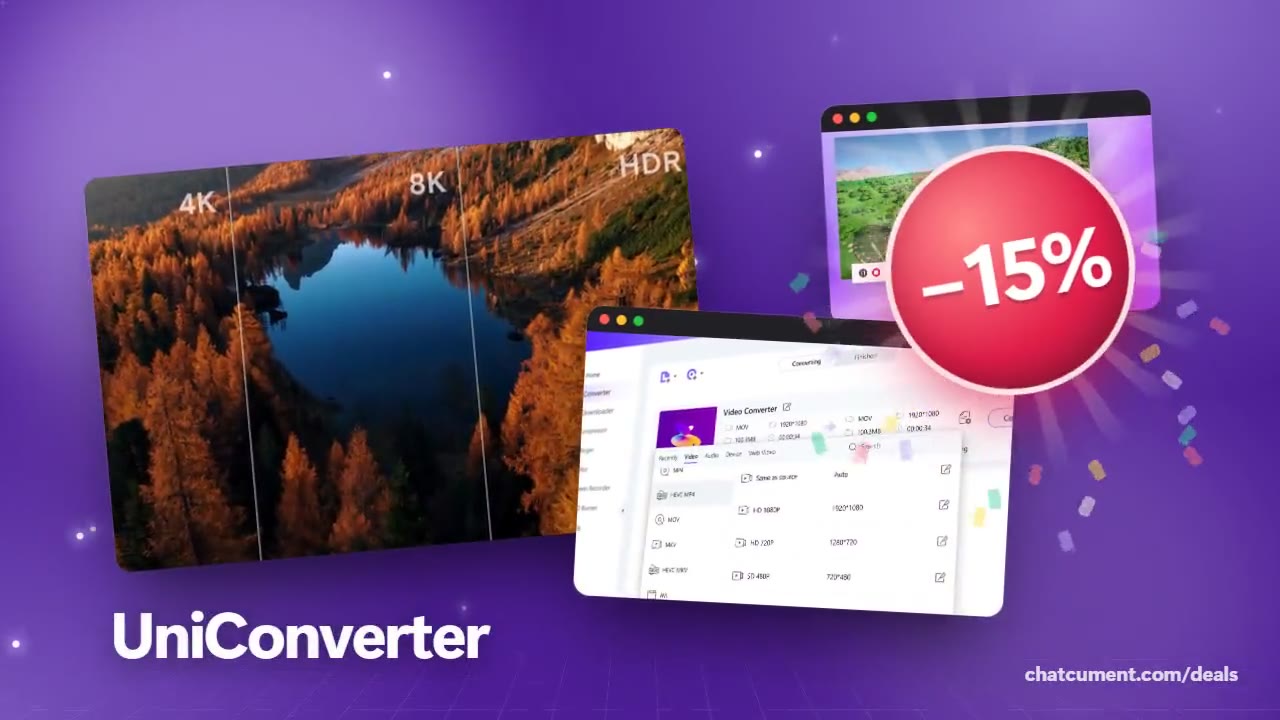
- 15% off every licence with MESAFF06
- Upscale footage to 4K and 8K
- Smart compression frees up to 90%
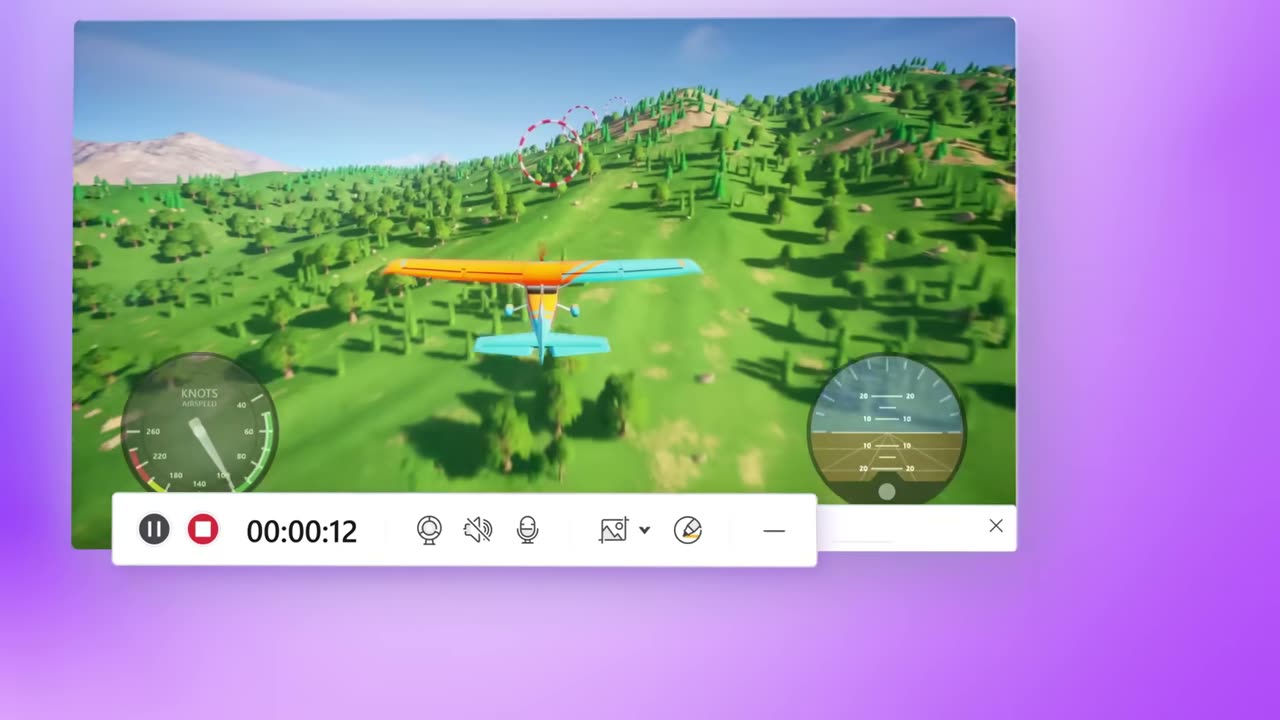
The recorder in the sidebar can capture a selected app window, an online meeting, a course or a streaming page, at up to 4K and 120 FPS with 320 kbps audio. For gameplay, V17 added 4K game recording and direct GPU capture, aimed at keeping frame drops away.
Window recording means you can keep working while it runs. Point it at Zoom, Teams or Skype and the call is captured without you pausing whatever else is open, and you can switch between monitors mid-recording if the content moves.
Face and voice are covered too. The webcam recorder supports USB cameras and network IP cameras, and picture-in-picture lets you drag, resize and place the overlay or start from a preset layout. System sound and microphone can be recorded together, with noise reduction applied automatically.
A scheduler starts and stops recordings at the times you set, which suits webinars and lectures you cannot attend live. Afterwards you can trim the clip, add annotations or send it straight to the compressor when the file turns out huge. On Mac, audio from one chosen application can be recorded on its own.
Using the code MESAFF06 at checkout takes 15% off a licence, and since the recorder, converter and compressor sit in one program, a single purchase covers all three jobs.
Deals you can use now
| Deal | Code | Conditions |
|---|---|---|
| 15%15% off every licence | MESAFF06 | — |
 See UniConverter in detailConvert, compress and record in one video toolboxAny format you need · Record games, classes, anything on screen · AI tools, one click away · Upscale to 4K and 8K
FAQ
What resolution and frame rate can it record?
The product page quotes up to 4K at 120 FPS, with audio at 320 kbps.
Can I record just one app window?
Yes. App-window recording captures a chosen program while you keep using the rest of your computer.
Does it record my voice and system sound together?
Yes, system audio and microphone can be captured at the same time, with automatic noise reduction.
Can I schedule a recording?
Yes, the scheduler lets you set an exact start and an automatic stop for meetings, lectures and webinars.
You might also like
 FilmoraTwo-week free trialThe video editor where AI handles the tedious part
 Media.ioHalf price on the yearly planAn AI image and video studio in your browser
 InVideo30% off InVideo Studio monthlyTurn one prompt into a finished video
 Retouch4me20% off every pluginPhotoshop plugins that retouch portraits for you