
Wondershare
Remove vocals and background noise with AI
Karaoke tracks and cleaner voices, from one toolbox.
- 15% off every licence with MESAFF06
- Upscale footage to 4K and 8K
- Smart compression frees up to 90%
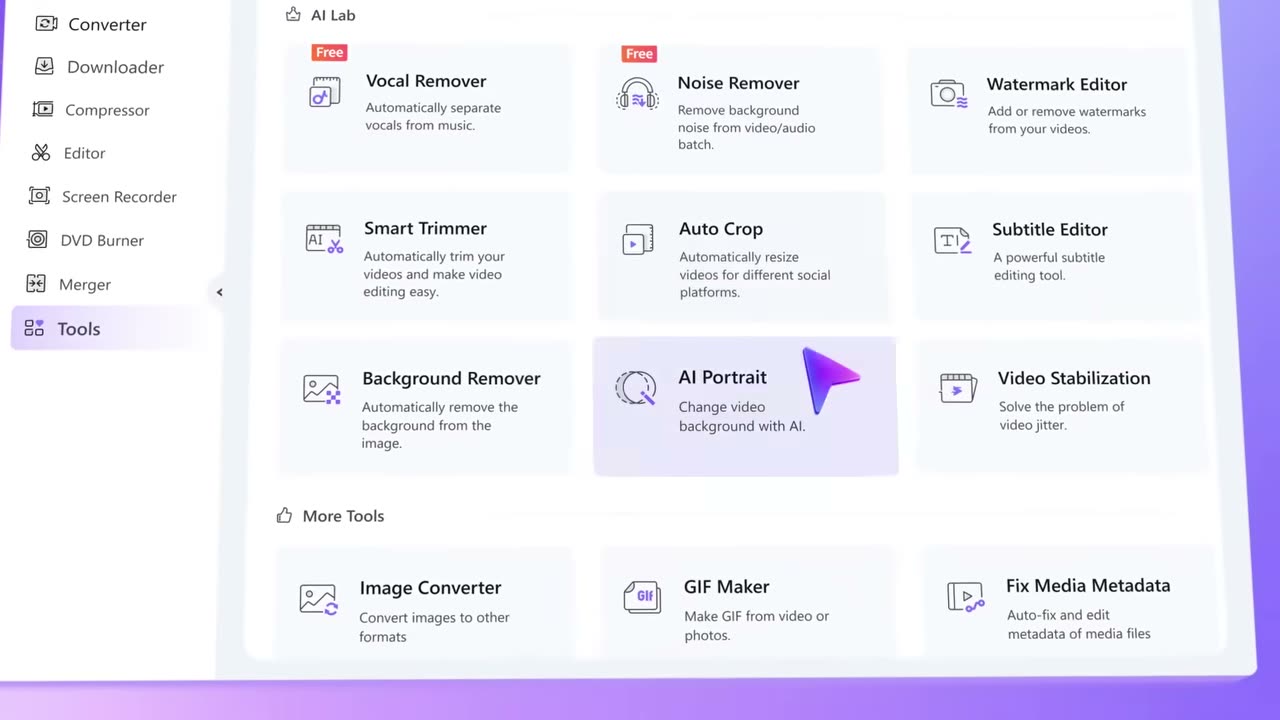
Open the Tools page in UniConverter and the AI Lab is the first block you see. Vocal Remover and Noise Remover both carry a Free badge there, next to Watermark Editor, Smart Trimmer, Auto Crop, Subtitle Editor, Background Remover, AI Portrait and Video Stabilization.
The vocal remover separates singing from the music automatically, which is how people prepare a backing track for karaoke or a cover. The noise remover denoises video and audio with AI, and handles batches, so a series of interview recordings can be cleaned in one pass.
Once the sound is right, the neighbouring tools finish the clip. Smart Trimmer cuts a video automatically, Auto Crop resizes it for different social platforms, and the Subtitle Editor lets you fix captions by hand. AI subtitles are offered in over 145 languages with editable bilingual lines.
Smaller utilities sit under More Tools: an image converter, a GIF maker for turning video or photos into animations, and a metadata fixer for media files. None of it needs a second program, which is the point of a toolbox.
If you would rather own it than depend on the free badges, MESAFF06 lowers any licence by 15% at checkout, and the same purchase includes the converter, compressor and recorder.
Deals you can use now
| Deal | Code | Conditions |
|---|---|---|
| 15%15% off every licence | MESAFF06 | — |
 See UniConverter in detailConvert, compress and record in one video toolboxAny format you need · Record games, classes, anything on screen · AI tools, one click away · Upscale to 4K and 8K
FAQ
Can UniConverter remove vocals from a song?
Yes, the Vocal Remover separates the vocals from the music automatically using AI.
Does it reduce noise in video as well as audio?
Yes, the Noise Remover works on both video and audio files, including batches.
What else is in the toolbox?
Watermark Editor, Smart Trimmer, Auto Crop, Subtitle Editor, Background Remover, AI Portrait, Video Stabilization, GIF Maker and more.
Can it make a GIF?
Yes, the GIF Maker turns video clips or photos into GIFs.
You might also like
 FilmoraTwo-week free trialThe video editor where AI handles the tedious part
 Media.ioHalf price on the yearly planAn AI image and video studio in your browser
 InVideo30% off InVideo Studio monthlyTurn one prompt into a finished video
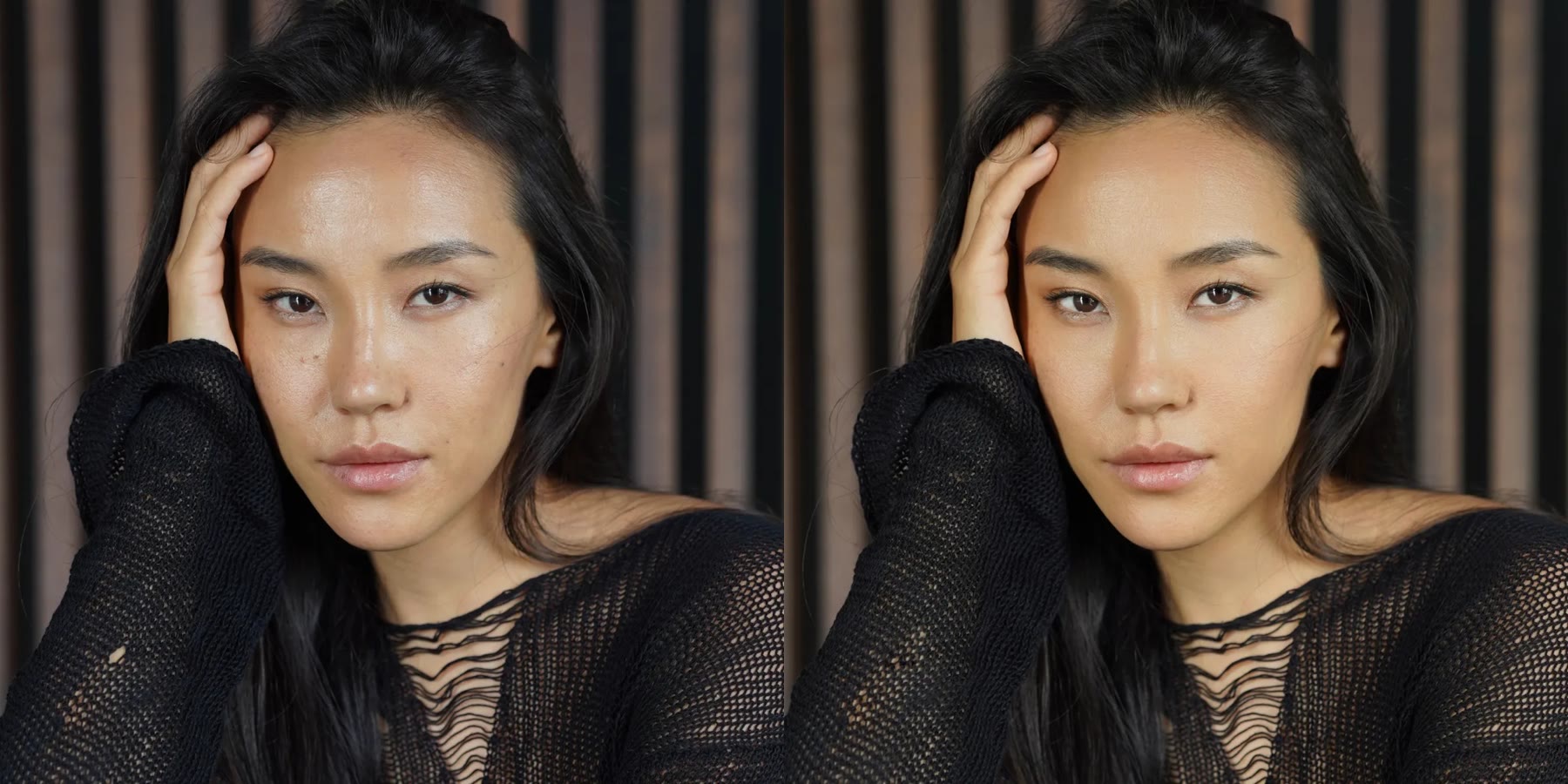 Retouch4me20% off every pluginPhotoshop plugins that retouch portraits for you