

Turbo VPN on your Windows PC or Mac
A desktop app with server list, kill switch and split tunneling.
- 72% off Gold 24 months, plus 3 free
- 30-day money-back guarantee
- 10 devices on one Gold plan
$59.99 for 12 months in total, $5.00 a month.
Get the discount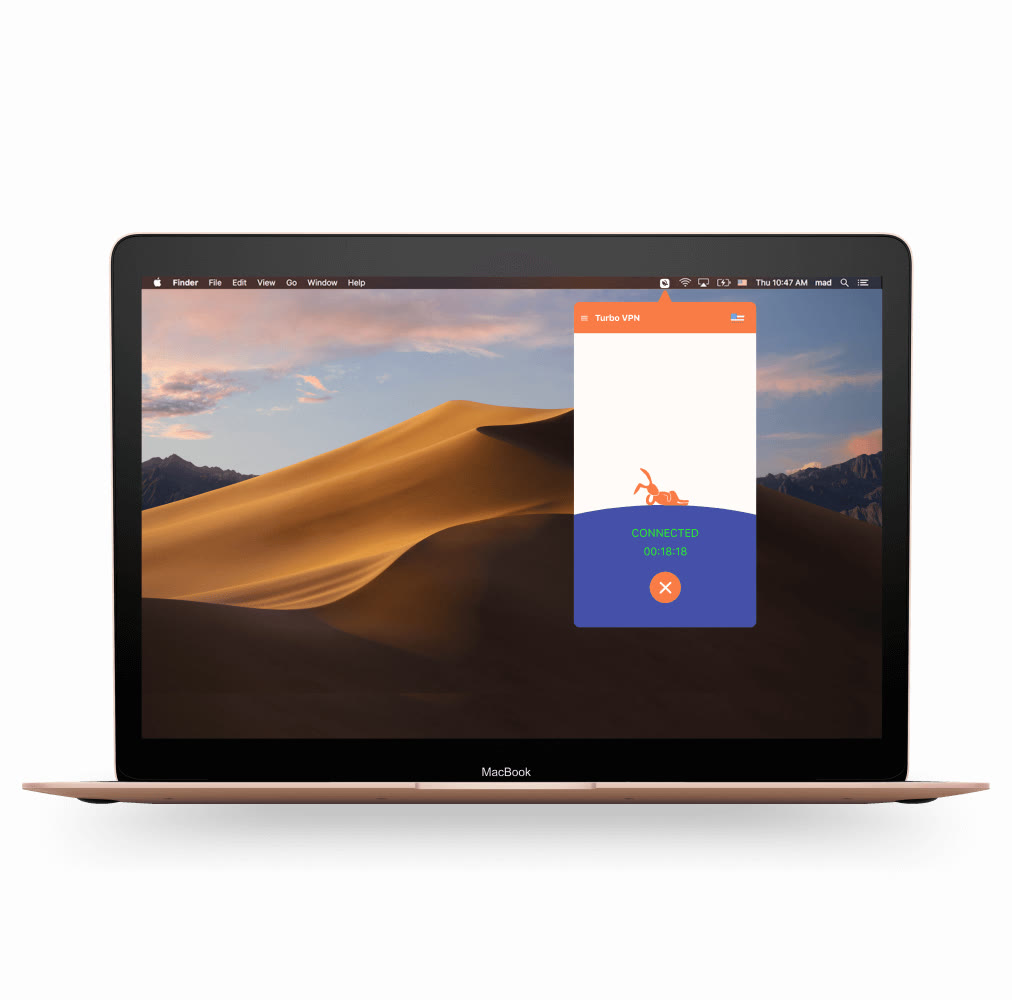
The Windows app opens as a small panel with the server list on the left and the connection status in the middle. The Mac version follows the same layout as a compact window floating over the macOS desktop.
Laptops move between home, office and public networks all day. Wi-Fi protection keeps traffic encrypted on those networks, and the automatic kill switch cuts the connection if the tunnel ever drops.
Split tunneling suits desktop work: send a browser or a file-sync tool through the VPN and leave a local printer or a game launcher on the regular network. It also reduces the load on the VPN connection.
The Gold plan supports 10 simultaneous devices, so a desktop, a laptop and your phone can share one subscription. The 24-month plan at 72% off adds 3 bonus months, which brings the monthly cost to $3.33.
Deals you can use now
| Deal | Code | Conditions |
|---|---|---|
| 58%Gold 12-month plan, 58% off | — | $59.99 for 12 months in total, $5.00 a month. |
| 72%Gold 24-month plan, 72% off plus 3 months | — | $89.99 covers 27 months, $3.33 a month. |
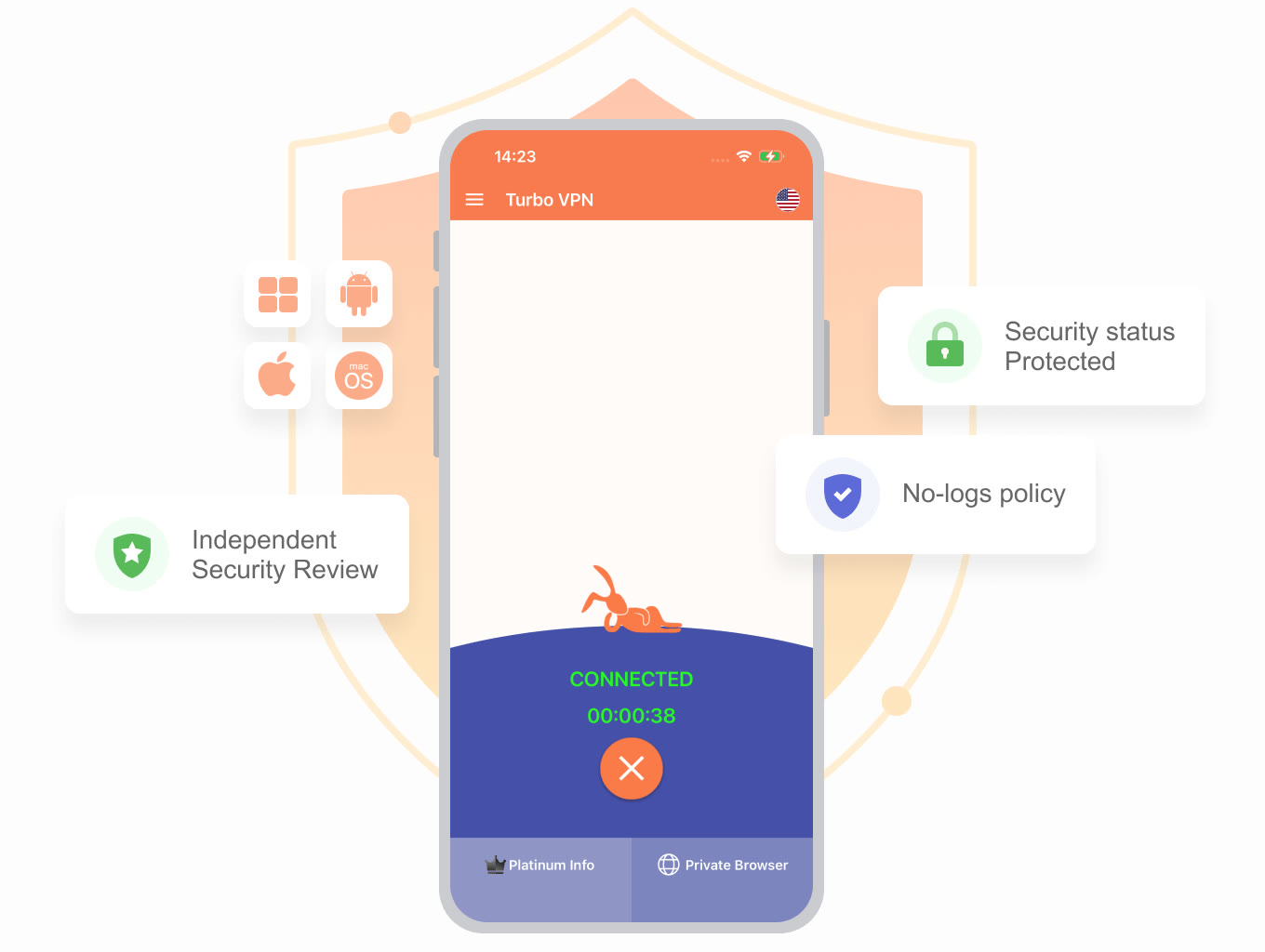 See Turbo VPN in detailVPN with 111 locations and AES-256One tap, 111 locations · A kill switch that cuts the line · Split tunneling for the apps you choose · Public Wi-Fi without the worry
FAQ
Does Turbo VPN run on both Windows and macOS?
Yes. The downloads menu lists a Windows VPN and a macOS VPN, each as its own app.
Can I use one account on a PC and a Mac?
Yes, within the plan's device limit: 10 on Gold and 20 on Platinum.
Is there a browser-only option?
Chrome has its own extension download if you only want to cover the browser.
You might also like
 2ndNumber20% off yearly plans with code GIVEME20A US or UK number, no SIM needed
 FamiSafeAn extra code you add at checkoutParental controls kids know about
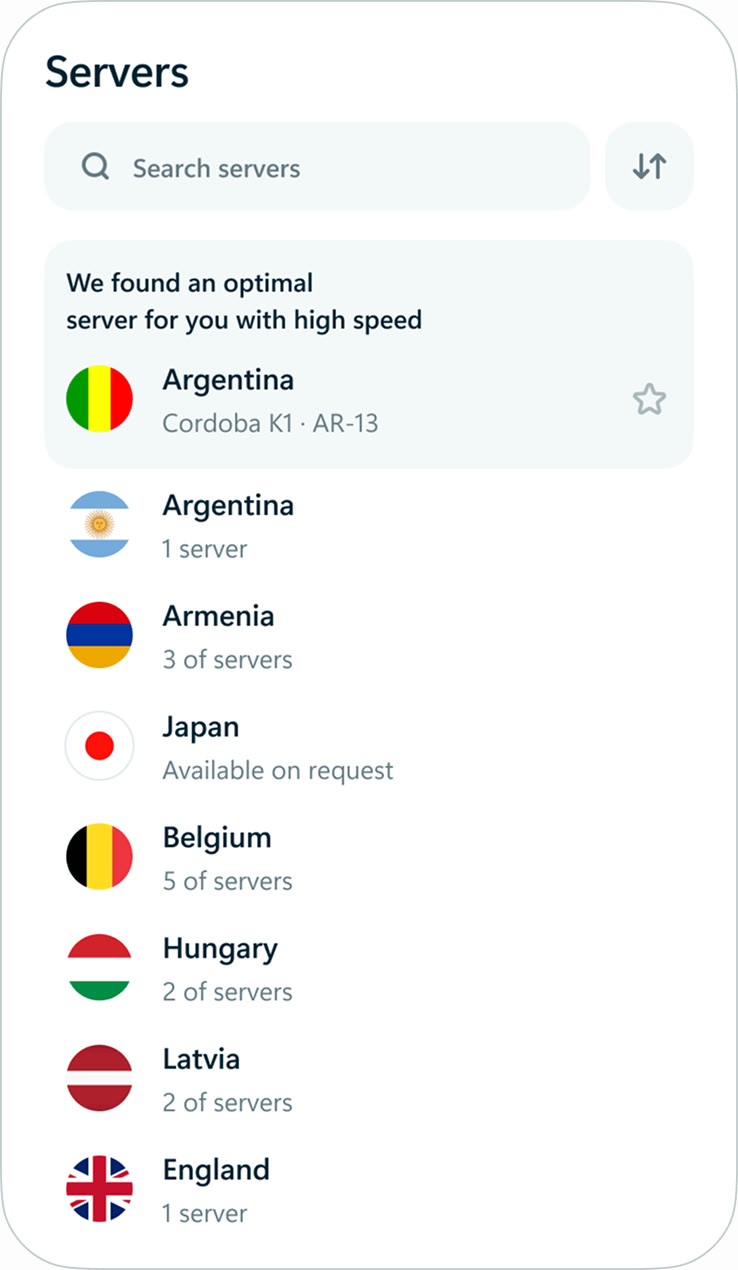 hidemy.name VPNTry hidemy.name VPN free for 24 hoursVPN for 5 devices, 24h free test
 KeeperTry Keeper's personal and family plans free for 30 daysPassword manager, 30 days free