
Wondershare
Fix photos that will not open or look soft
From damaged JPGs to dim night shots, one tool handles both.
- Extra checkout code SAFREPAI
- Preview the repair before you buy
- 1-month, 1-year or perpetual license
Pull a card too early or lose power mid-copy and a photo may show only its top half over grey. Repairit detects unreadable, discolored or scratched images and repairs them automatically.
More than 20 photo formats are supported, including pictures from Canon cameras and microSD cards. Badly damaged PSD and PSB files have their own Advanced Repair option.
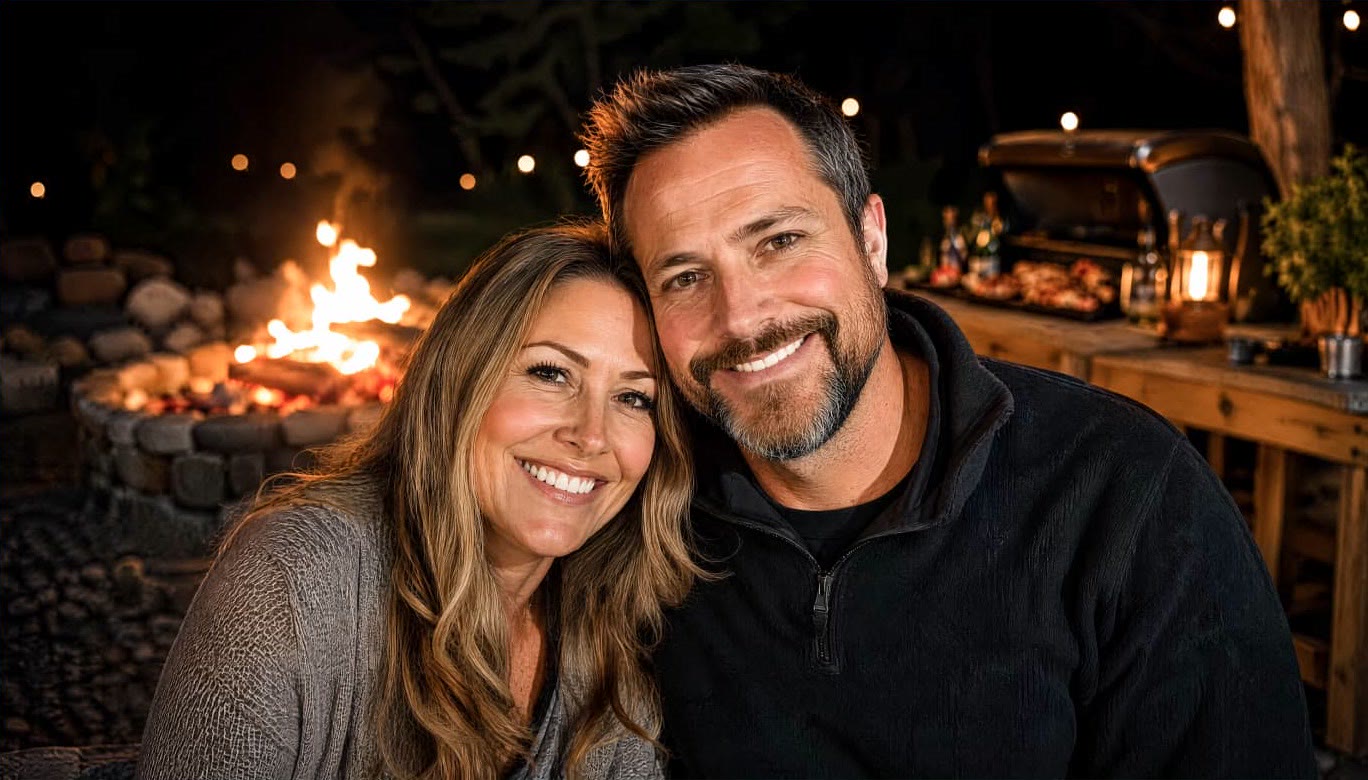
After repair you can keep going with AI enhancement. Resolution can rise by up to 800%, soft edges get sharper, grain falls, and skin texture and eyes stay natural.
That matters for prints, product shots and family albums, anything shown large. Batch processing handles many pictures at once rather than one upload at a time.
Check the result in the trial first, and if you buy, enter SAFREPAI to see the adjusted total.
Deals you can use now
| Deal | Code | Conditions |
|---|---|---|
| CodeExtra checkout code SAFREPAI | SAFREPAI | — |
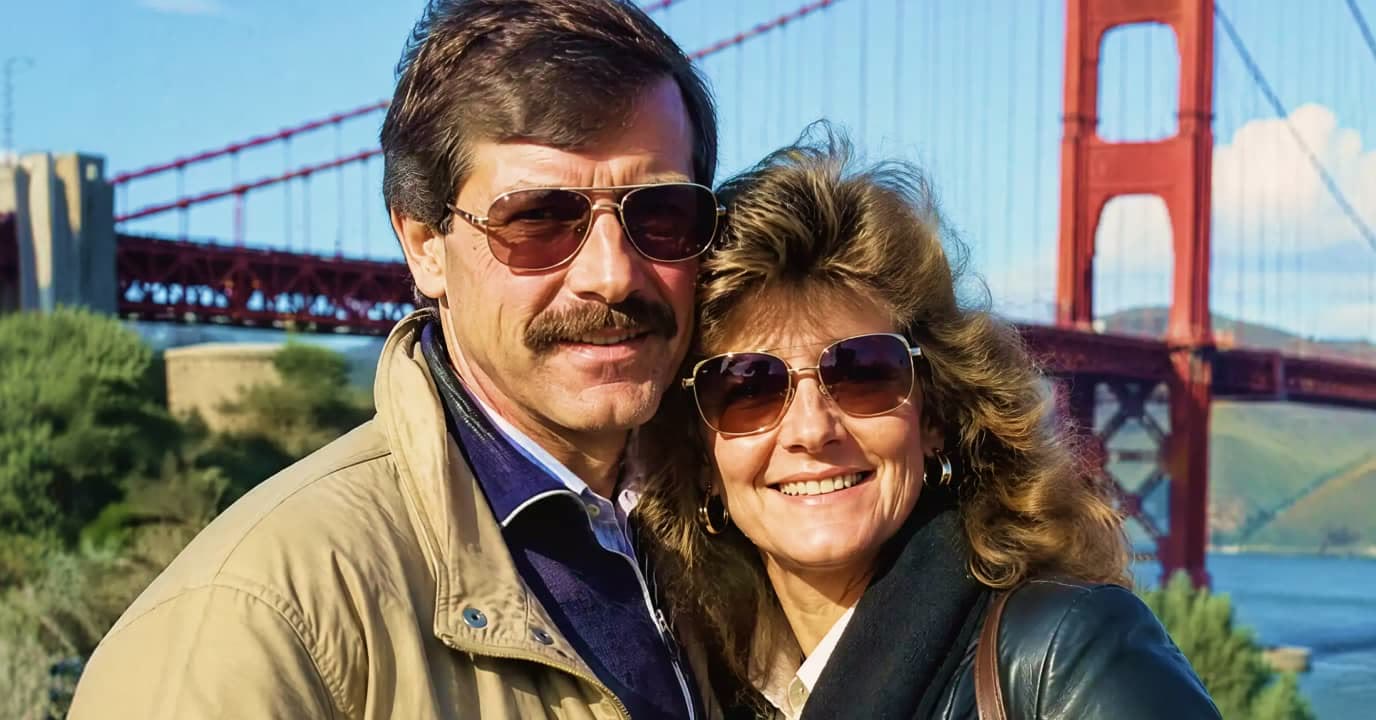 See Repairit in detailAI repair for broken video, photos, filesFaded family photos, sharp again · Scratches and stains are fine · Night shots keep the expression · Fast motion without the mess
FAQ
Which photo formats work?
JPG and PNG are included among 20+ popular formats. The full list sits on the official photo repair page.
Can a blurry photo be fixed?
Blur and pixelation are improved with AI enhancement. A shot that is completely out of focus may not reach the result you hope for.
When is Advanced Repair needed?
It is for severely corrupted PSD, PSB, image, video and audio files that Quick Repair could not fix.
Does it run on a Mac?
There are Windows and Mac desktop versions, plus an online version that needs no installation.
You might also like
 UniConverter15% off every licenceConvert, compress and record in one video toolbox
 FilmoraTwo-week free trialThe video editor where AI handles the tedious part
 Media.ioHalf price on the yearly planAn AI image and video studio in your browser
 InVideo30% off InVideo Studio monthlyTurn one prompt into a finished video