
Add AI narration to a YouTube video
Turn a finished script into a voiceover without a microphone.
- Free plan: 10,000 credits every month
- Commercial licence from $6 a month
- Paid plans roll credits over 2 months
If the edit is locked and the voiceover is the only gap, paste the script into Text to Speech. Voices are grouped by purpose: narration, characters, conversational, social media and educational, so you can match the tone of the video.
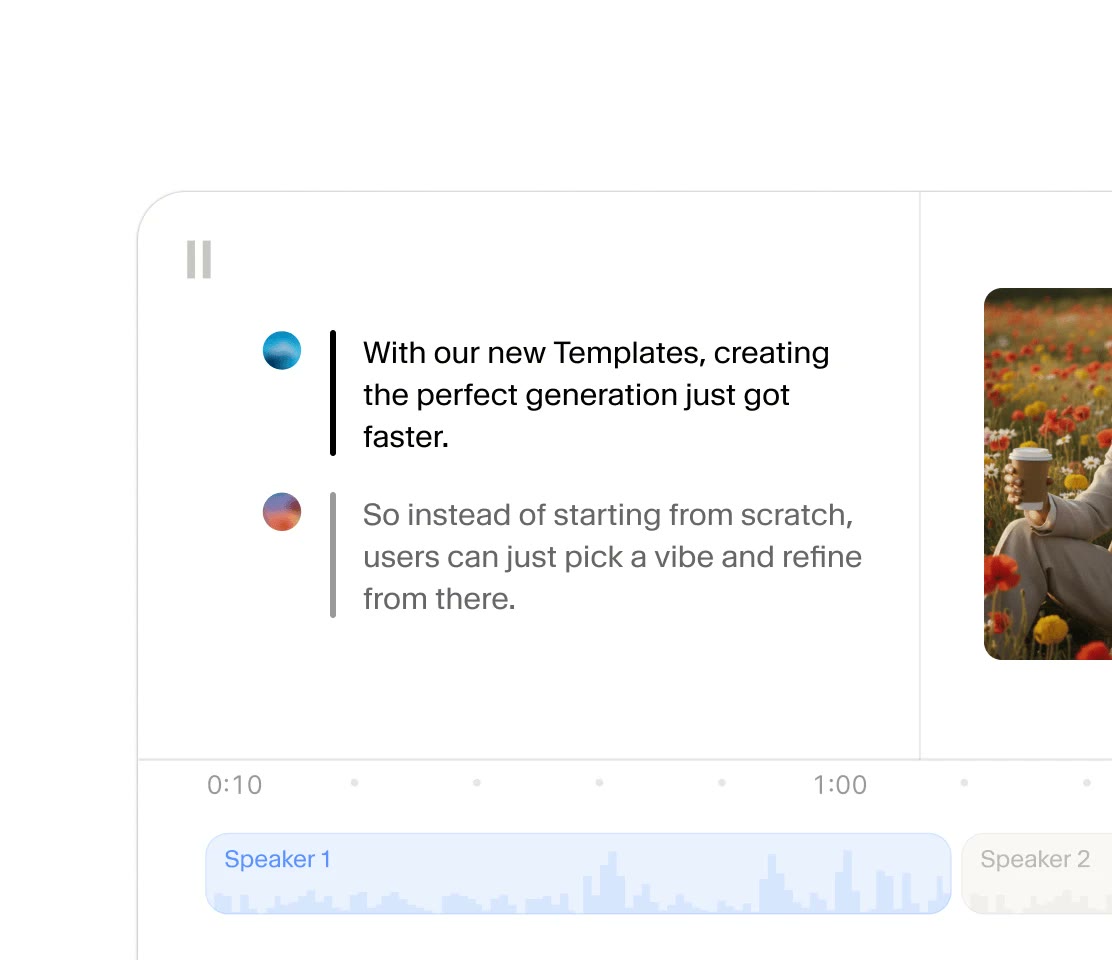
Studio stacks the script as lines with a timeline below. Trim a sentence to fit a scene, or regenerate just the one line that sounds off, without redoing the whole take.
With the v3 model you can drop tags such as [softly] or [laughs warmly] into the text to steer breathing and delivery. Speed, tone and style exaggeration are sliders.
The free plan's 10,000 credits cover a first voiceover test. For a monetized channel, begin on Starter at $6 a month, since that is where the commercial license is included.
Deals you can use now
| Deal | Code | Conditions |
|---|---|---|
| FreeStart on the free plan | — | The free plan includes 10,000 credits per month. A commercial license starts with the paid plans. |
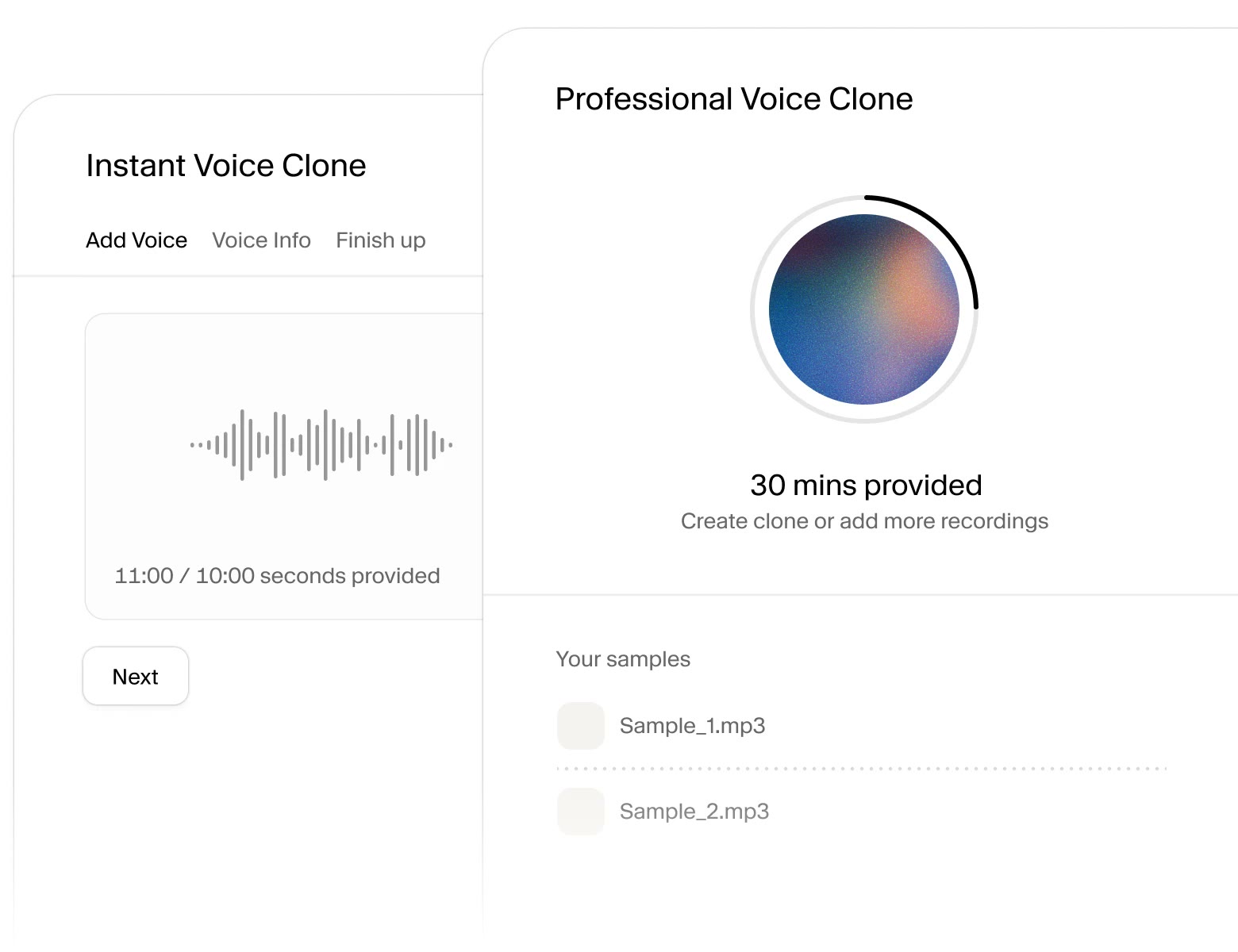 See ElevenLabs in detailOne voice for narration and dubbingClone your own voice · Edit scripts speaker by speaker · Turn a manuscript into chapters · Dub video into another language
FAQ
How long a script can I generate?
Length is measured in credits at about one per character, so 3,000 characters costs roughly 3,000 credits.
Can I use it on a monetized channel?
The commercial license comes with Starter and higher plans.
Can I redo a single line?
Yes. In Studio you assign voices per line and regenerate only what you changed.
You might also like
 UniConverter15% off every licenceConvert, compress and record in one video toolbox
 FilmoraTwo-week free trialThe video editor where AI handles the tedious part
 Media.ioHalf price on the yearly planAn AI image and video studio in your browser
 InVideo30% off InVideo Studio monthlyTurn one prompt into a finished video